AI Video Generator
Explore video creation options for turning prompts or references into clips.

Loading history…
Make a short, inviting Halloween dance video with a simple sequence and a caption-ready finish. This AI Halloween Dance Video Generator guide helps you choose the right mode, describe the scene or prepare a reference photo, and plan one continuous shot: two small side steps, a gentle shoulder sway and a friendly final wave. Keep the final pose clear, with open space for a greeting added later.
Select Text to Video to create one fictional adult from an editable English prompt, without supplying a photo. Choose Image to Video to animate one prepared adult costume photo. That mode preserves the uploaded person's identity, face, hair, clothes, body proportions and background; it does not swap in the example character or add an outfit-changing preset.
For Text to Video, include the costume, setting, mood and movement in the prompt. For Image to Video, start with a suitable costume photograph and request modest movement while keeping the actual person and scene. If you want to create a new outfit before animating, use a separate image tool first, then prepare a reference photo.
The model is Seedance 2.5. Choose a short duration, aspect ratio, resolution and audio options in the live panel. Check the credit quote beside Generate before starting; follow the job status in History. The original soundtrack is not bundled, and chosen audio follows the settings you select.
Preview the result and check that the wave settles into a clear final pose with usable caption space. Faces, hands and foot contact can vary, so review those details before sharing. Add your invitation text afterward to keep it readable and under your control.
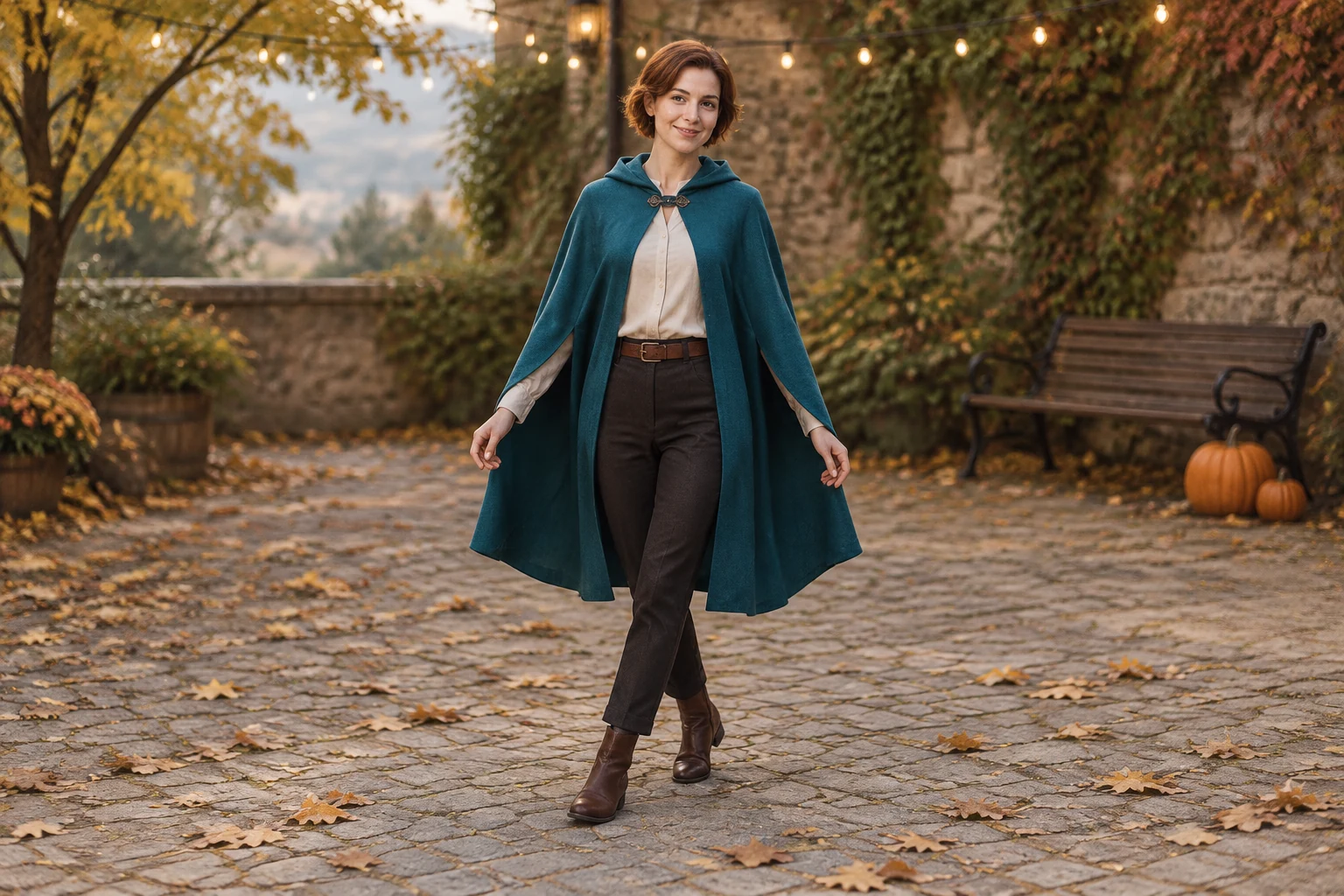
A friendly invitation does not need a crowded party backdrop. Picture one adult in an original teal cape over a warm ivory shirt, dark trousers and brown ankle boots, standing in a quiet autumn courtyard. String lights, fallen leaves and two pumpkins beside a distant bench provide seasonal detail without competing with the performer. In Text to Video, describe these elements directly; the prompt, rather than a dedicated style selector, sets the costume, scene and movement.
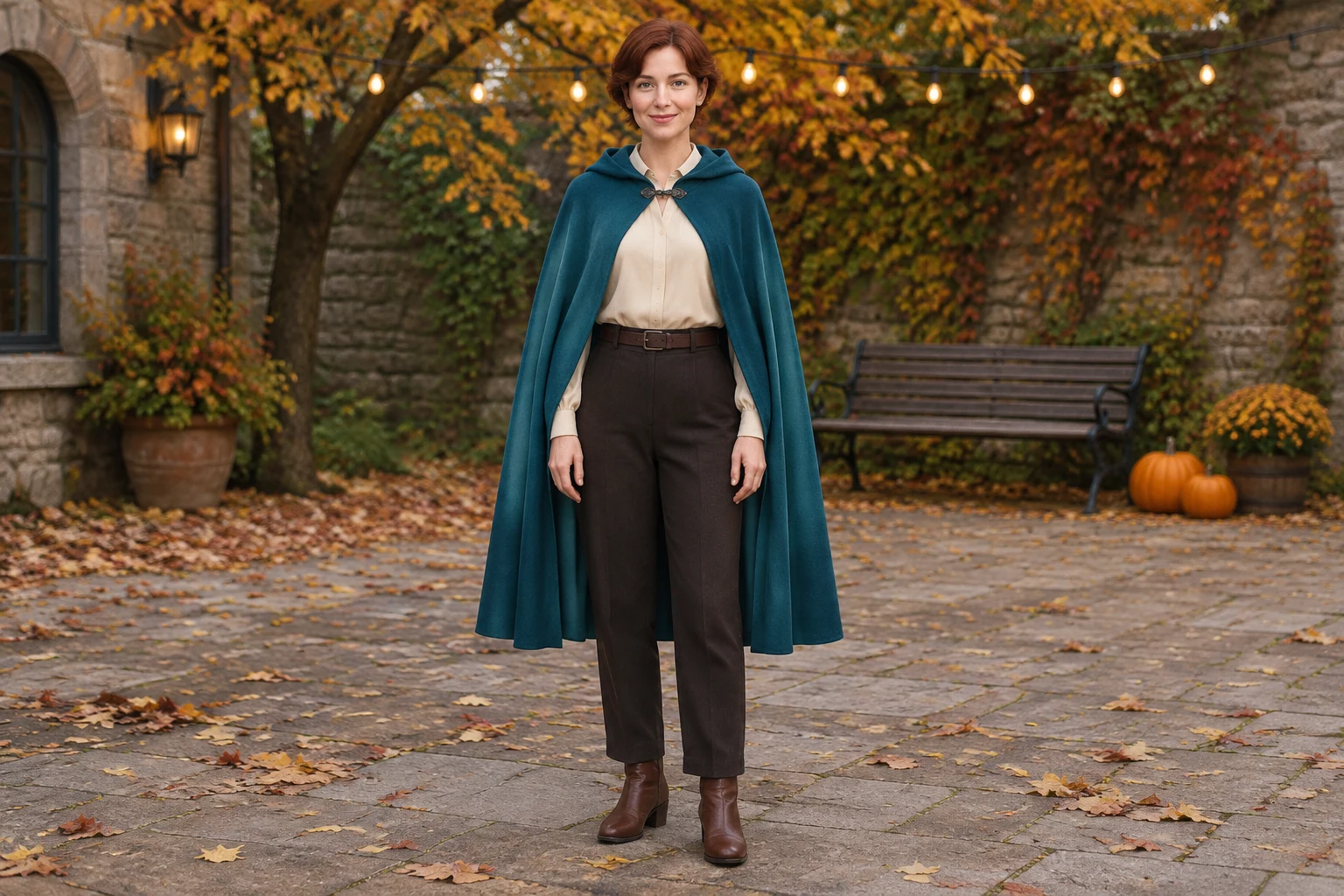
Keep the action small enough to read in a short clip: two side steps, a gentle shoulder sway, then a friendly wave. Specify one performer, a steady camera and one simple continuous shot so the movement feels like a single greeting rather than a sequence of unrelated moments. Ask for the performer to settle into a clear final pose. Leaving open space in the composition makes it easier to add a date, address or party message later.
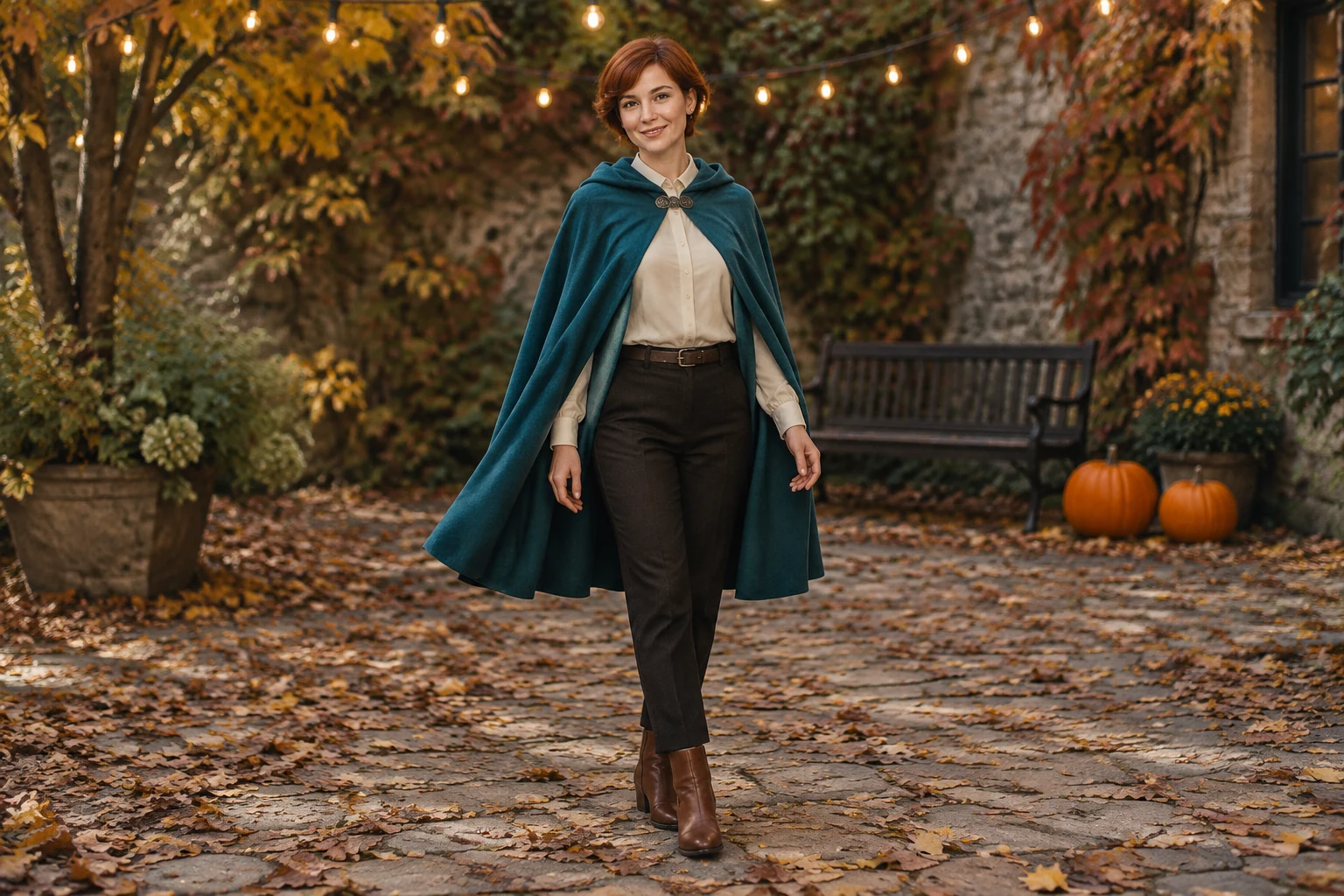
Text to Video creates a fictional adult from your editable prompt, with no photo needed. Image to Video starts from one prepared adult costume photograph and animates that actual person in the uploaded scene. Keep its prompt focused on modest movement and preservation of identity, face, hair, outfit, body proportions and background. It is not an outfit-changing feature. If you need a fresh costume image first, use a separate image tool, then bring the prepared photo to Image to Video.
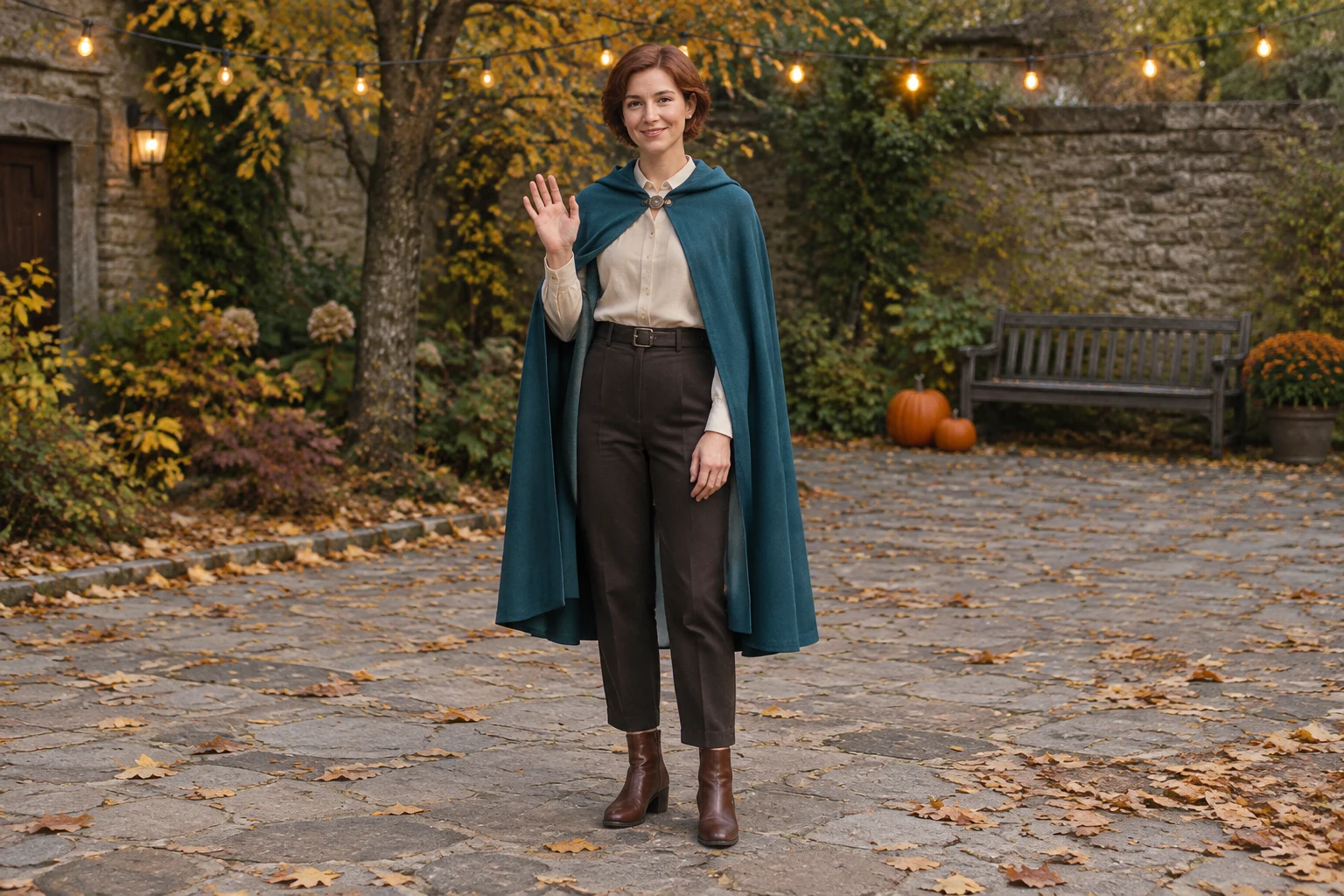
The nine-second silent storyboard preview is a three-frame planning slideshow, not the finished dance. Use its frames to check the visual order: opening side-step, gentle movement and closing wave. It can help you refine the prompt or decide whether the final pose leaves enough uncluttered room for a caption. Then use the live panel to set duration, aspect ratio, resolution and audio options for the video you want to create.
No. Text to Video creates one fictional adult from your editable prompt.
Use one prepared adult costume photo. The mode preserves the uploaded person's actual identity, appearance, outfit and background.
No. For a new outfit, make a separate image with an image tool first, then use that photo as the reference.
There is no dedicated style selector; describe the costume, scene and movement in the editable prompt.
Check the live credit quote beside Generate before starting, then follow status in History.
No original soundtrack is bundled. Any chosen audio follows the options you set in the live panel.
Explore video creation options for turning prompts or references into clips.
Prepare a costume image separately before animating it with Image to Video.
Explore a different video concept built around a sweeping zoom effect.
Find another themed direction for a generated video.
kize.ai · Updated