1. Choose text or a reference
Select Text to Image to start from words without an upload. For a reference-led composition, select Image to Image and an available model that supports it, then add one suitable image.

A clear message, made visual

Use Kize’s real estate flyer maker for a listing or open house with a property photo and verified facts. Kize helps explore the visual arrangement of the property image, headline and viewing details. Keep the actual property appearance and information central to the brief.
Create a real estate flyer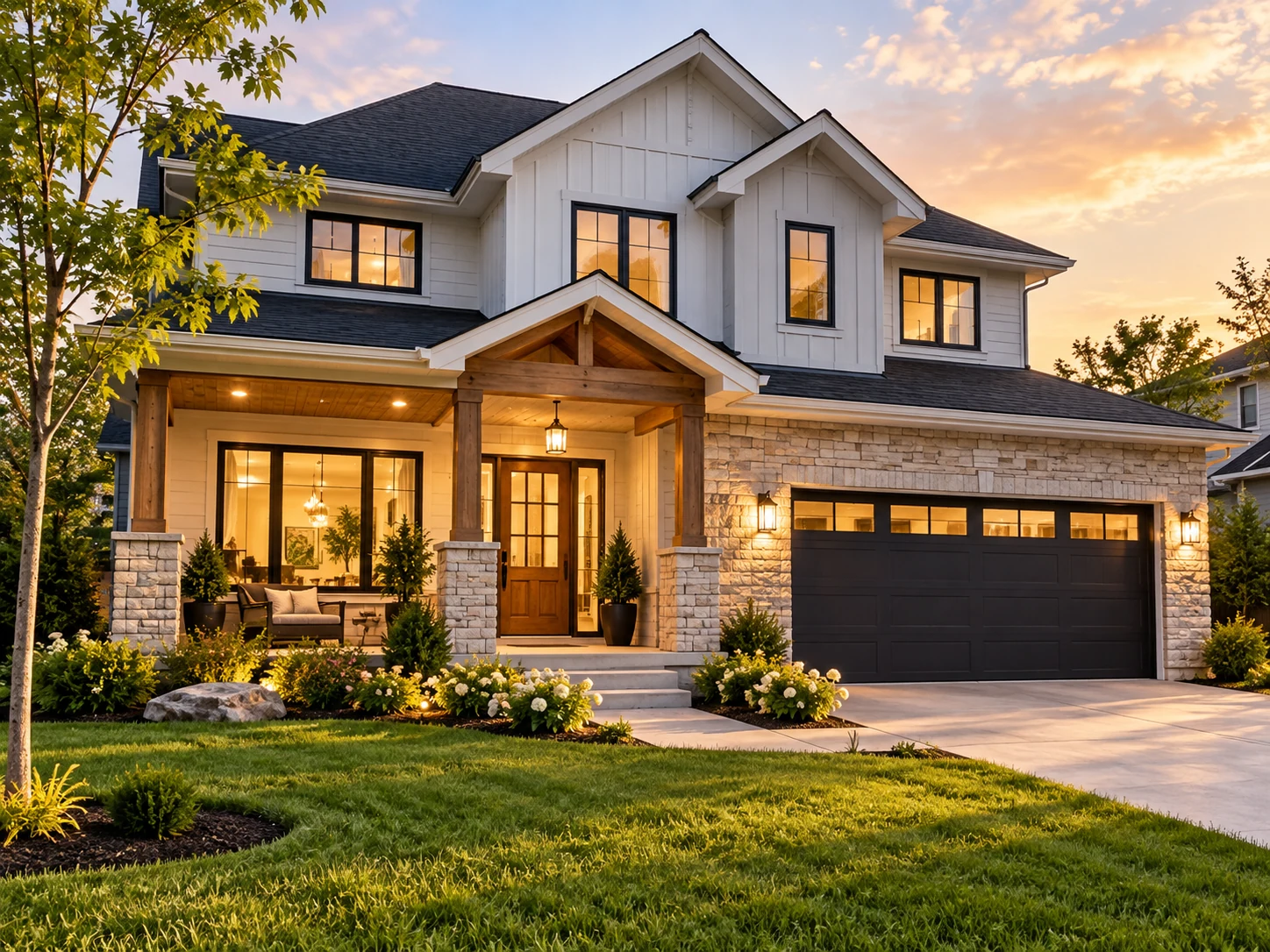
Prepare an authorized property photograph, the listing headline, confirmed price, address or area, key facts and viewing contact. Use only the facts supplied by the owner or responsible agent.

Select Text to Image to start from words without an upload. For a reference-led composition, select Image to Image and an available model that supports it, then add one suitable image.
Edit the starting prompt with your own headline, dates, offer and contact action. Describe one visual style. Ask for clear spacing and keep exact wording in quotation marks.
Choose from the ratios and parameters available for the selected model. Read the current credit quote and balance, then submit when the brief is ready.
Follow the task in History. Check spelling, numbers, photo details and crop before using the download action. A new generation or supported image edit can refine the result; review the next quote before submitting.
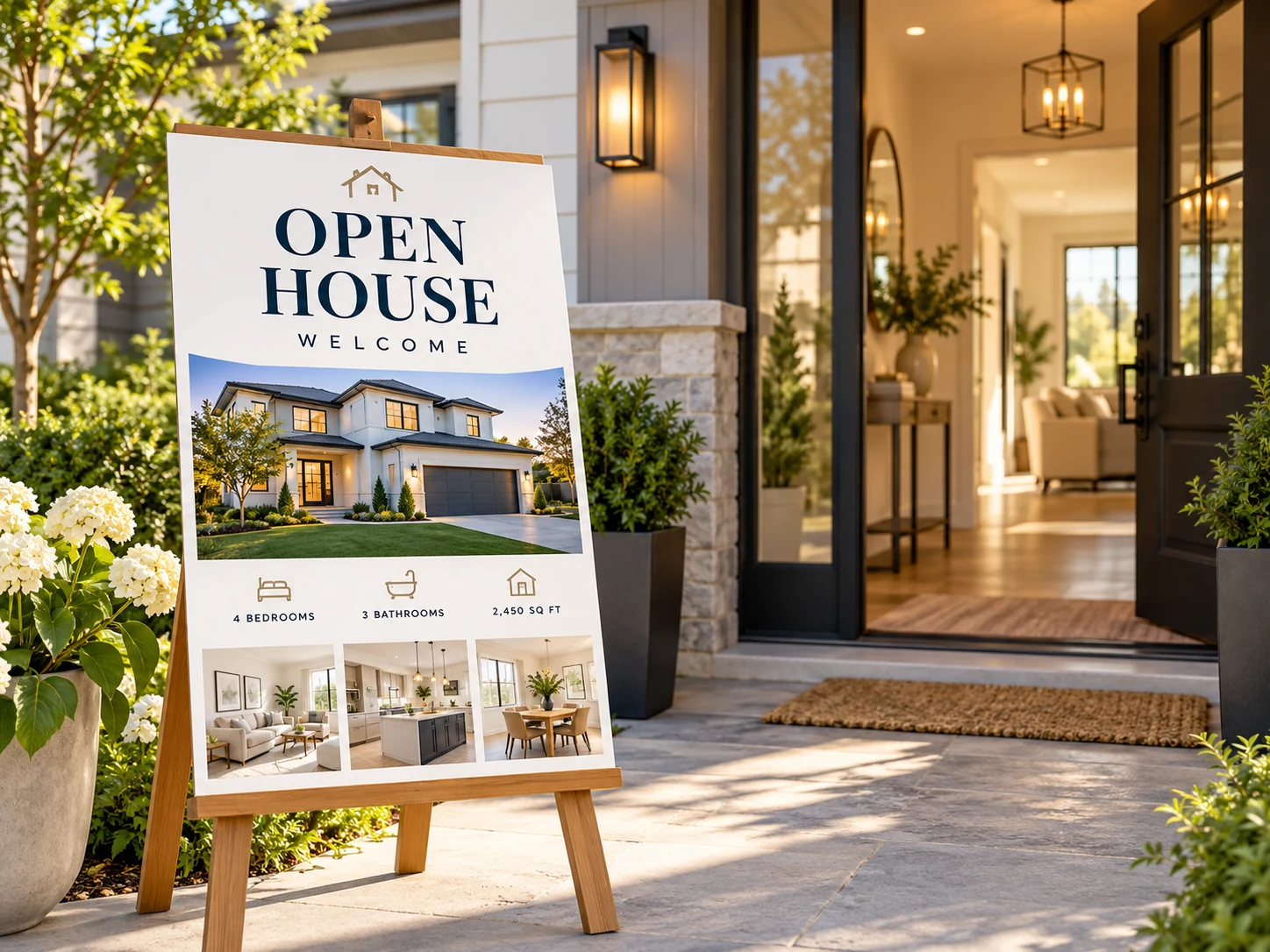
Emphasize the viewing date and contact action while keeping the property photograph recognizable.
Use a concise headline and a limited set of verified facts rather than a long property description.
Keep rent terms, availability and enquiry details precise, with no features added merely for visual appeal.
Use Image to Image with an available reference-capable model for a real listing. A generated layout can alter windows, rooms or landscaping; compare it to the original and do not present invented features as property facts.
The download is an image, not a layered design file. Confirm the actual pixel dimensions before printing. If you need exact final typesetting, add or correct the final text in a suitable editor. Do not rely on an AI-drawn QR code for a working link.
It creates a real estate flyer image from your written direction or a supported reference. Emphasize the viewing date and contact action while keeping the property photograph recognizable.
No photo is needed for Text to Image. Image to Image uses a reference when the selected model supports it. Keep the upload focused on the subject you want to retain.
Check the credits available in your current account or guest browser. Generation uses the displayed credit quote; preparing a brief does not submit a paid generation. Do not assume a free allocation is available.
The live quote depends on the model and settings you select. Review the quote before every submission, including a new version or reference edit.
Use the submitted task’s status and any estimate shown in History. Processing time depends on the model, settings and queue; there is no fixed completion time for every flyer.
You can revise the prompt and create another version, or use an available reference-editing model. The result does not contain independently editable text layers. Verify names, numbers and spelling each time.

Explain the practical work offered and give prospective customers a clear enquiry action.

Show the activity, expected audience and practical joining information instead of an abstract event name alone.

Show the type of experience and meeting information, with an accessible enquiry or booking action.

Plan a market, workshop or neighborhood gathering around one large headline and a clear place and date.
Use the editable starting prompt to describe your real estate flyer. Keep the most important information short, choose an available model and review the quote before generating.
Create a real estate flyerkize.ai · Updated