Choose a clear figure
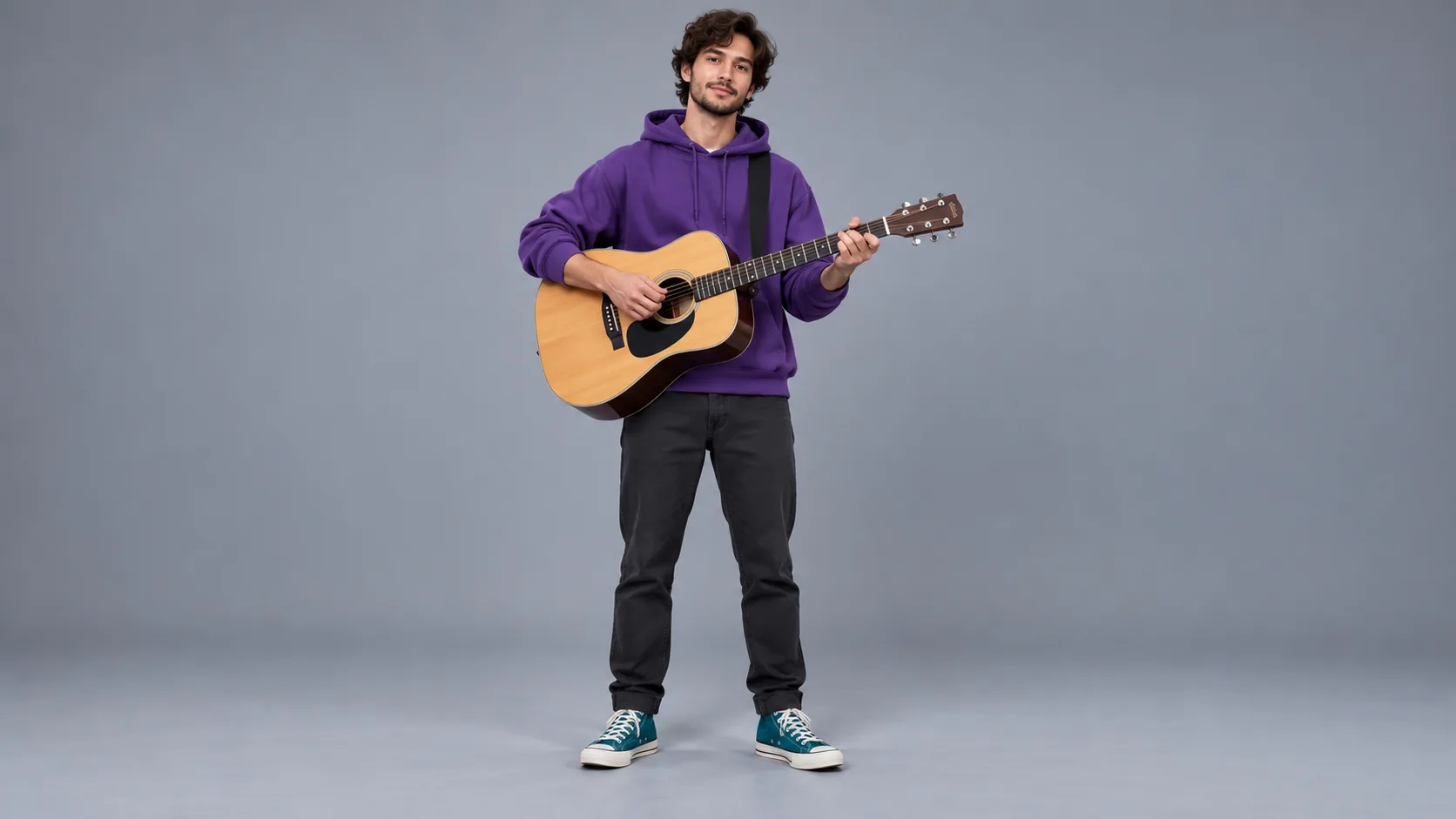
Show one adult or original character from head to shoes if possible. A busy group photo makes outfit colors harder to keep.

Translate a wardrobe into blocky character design
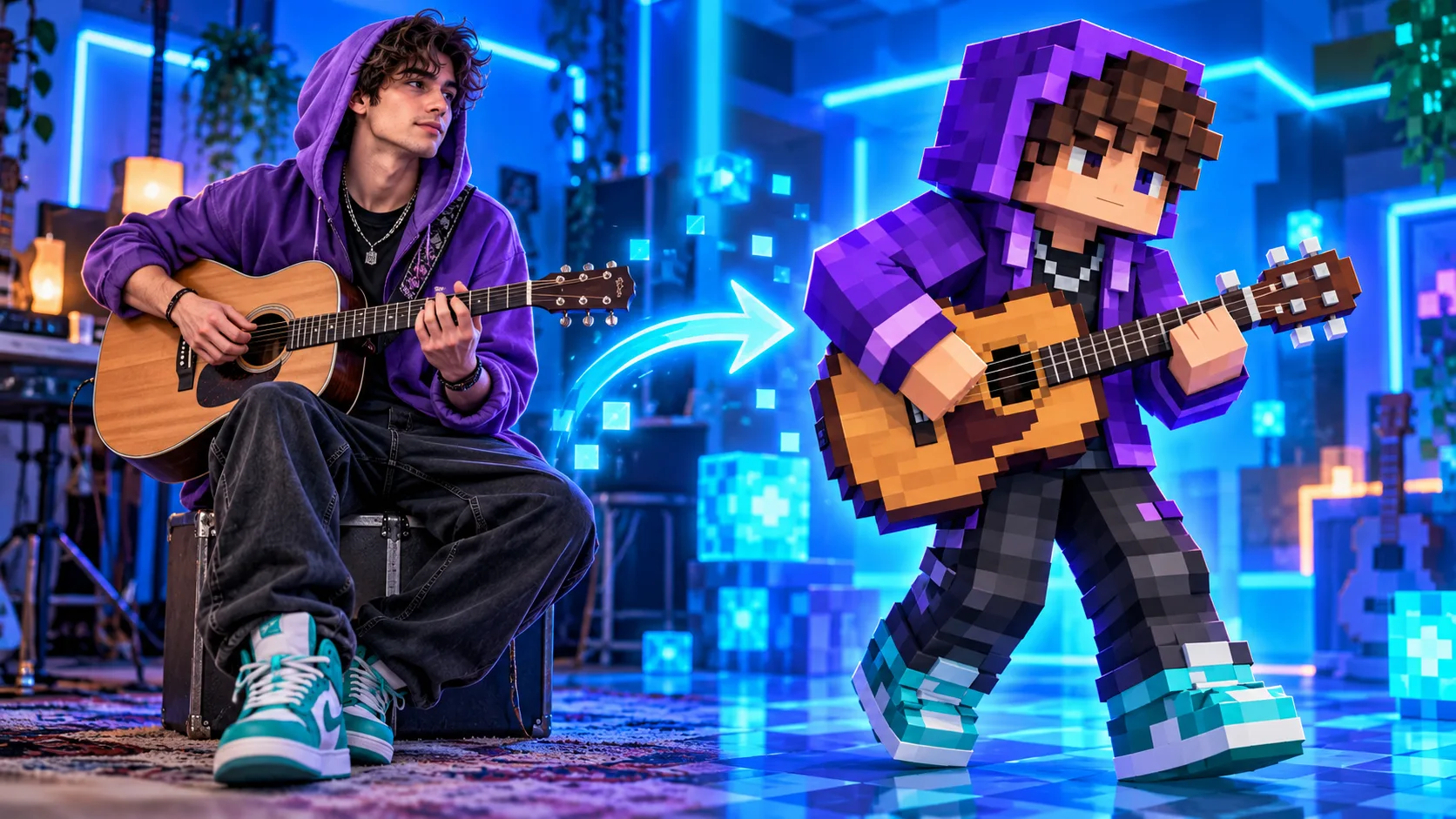
Use one clear person or original character image to sketch a blocky pixel character on Kize. Focus on a recognizable hoodie, shoes and face cues. The result is a character preview image that can be paired with a scene concept.
Start creatingShow one adult or original character from head to shoes if possible. A busy group photo makes outfit colors harder to keep.
Name the hoodie, shoes and hairstyle you want to retain. Let the new blocky proportions simplify smaller details.
Look at the front and side silhouette and check whether the clothing remains distinct from the background.
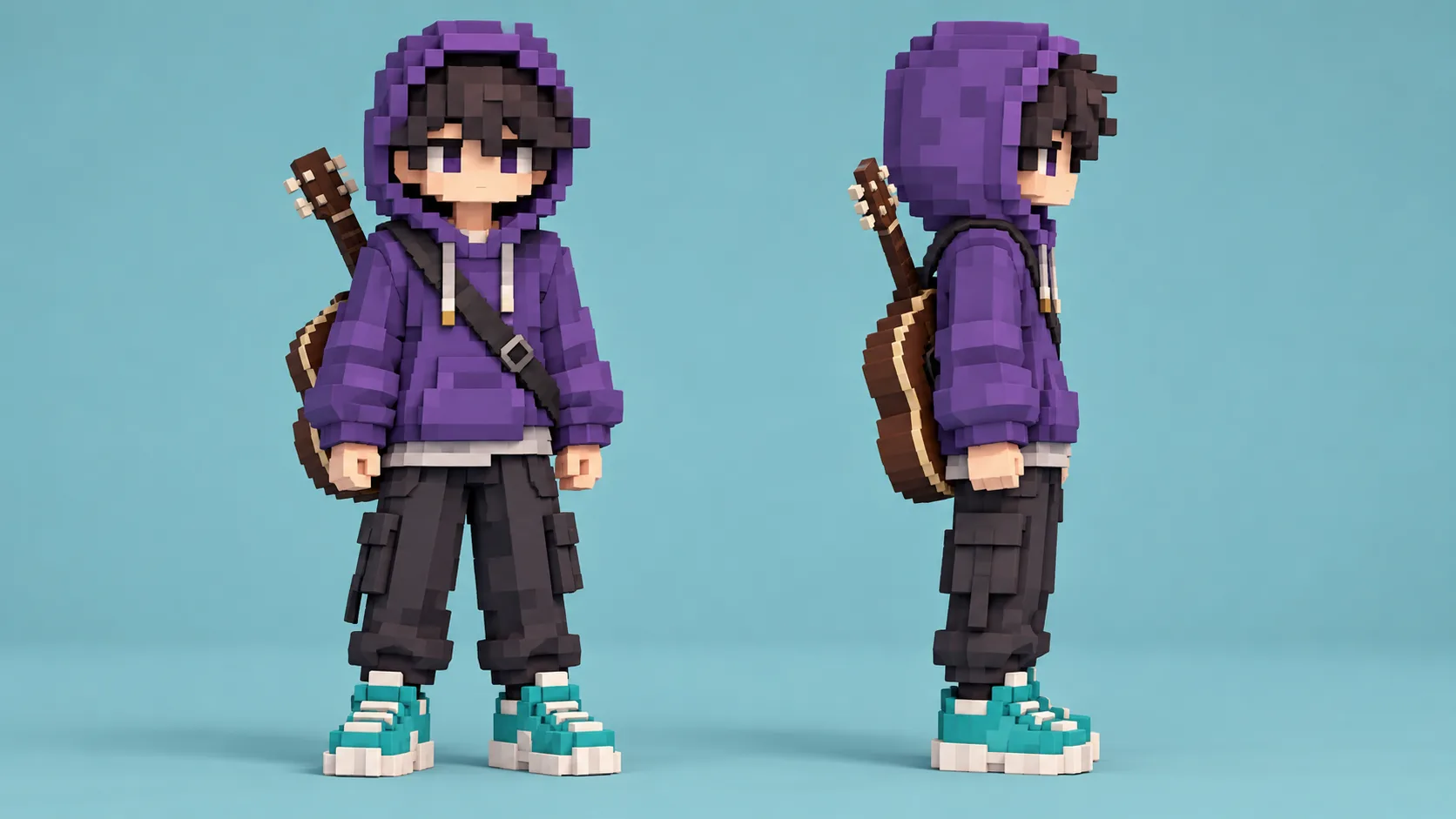
Test whether the face and hoodie remain recognizable when the figure is small.
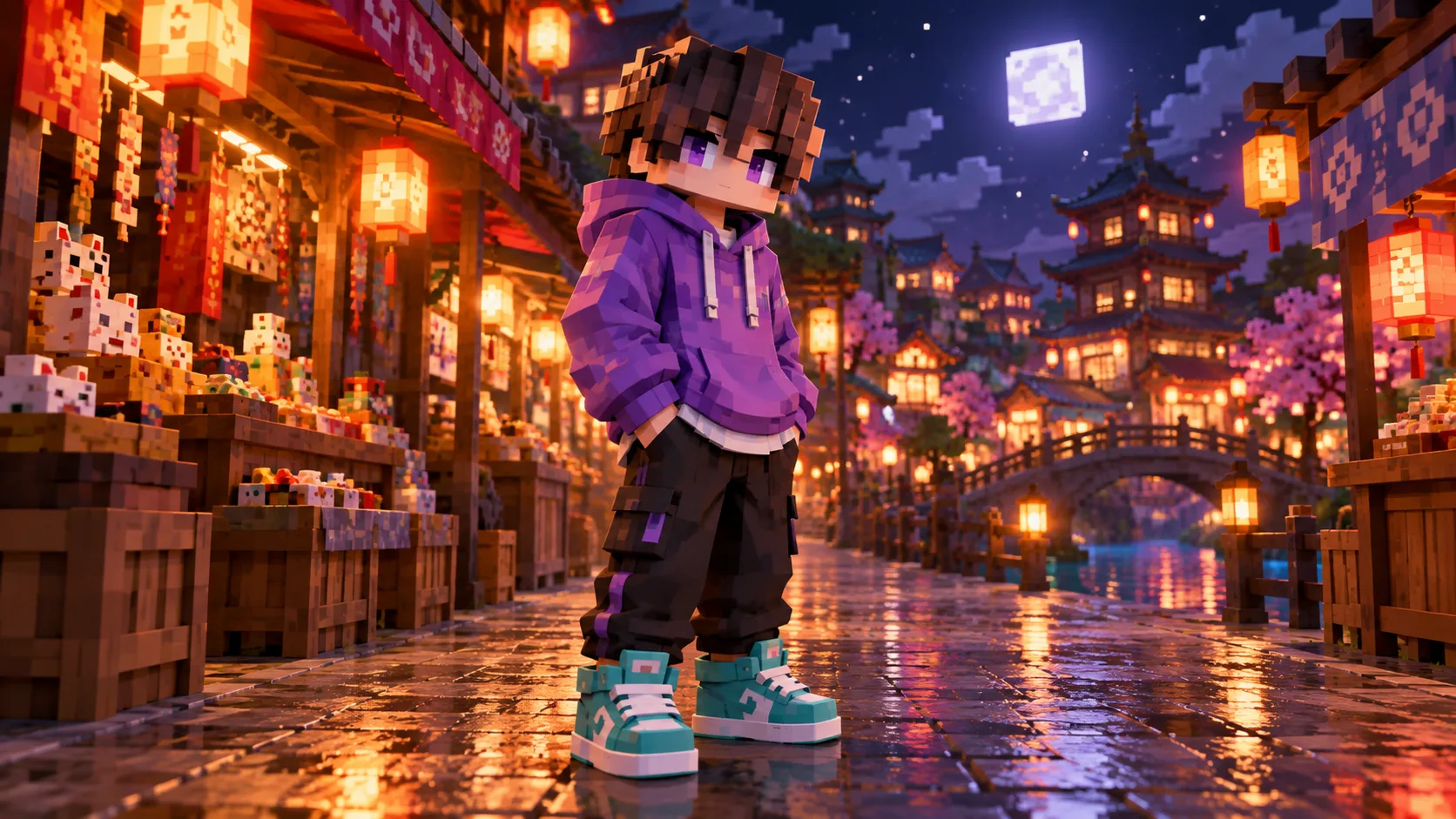
Compare a clean studio view with a night-market variation for the same outfit.
Build a matching pixel environment after choosing the character colors.
No. This generator creates a blocky character concept image and does not export the required skin texture layout.
Use one clear full-body photo or original character reference for Image to Image. Text to Image starts from a description.
Describe the important colors and compare the output. The model may simplify small details, so inspect the result carefully.
Check the live quote for the selected model and your account balance before submitting a job.
Model choice and queue conditions affect the wait. Watch the task status in History instead of expecting a fixed time.
kize.ai · Updated