Choose the story
Decide who will receive the card and name one seasonal detail that fits them: a pet in a scarf, a woodland walk or a quiet evening by the window.

Your own small winter world.

Create Christmas cards built around the people, pets and little traditions that make the season yours. Describe a cozy winter scene, choose an illustration style and add a brief greeting. Kize creates a single card-front image from words or one optional reference, ready for you to review and download.
Create your card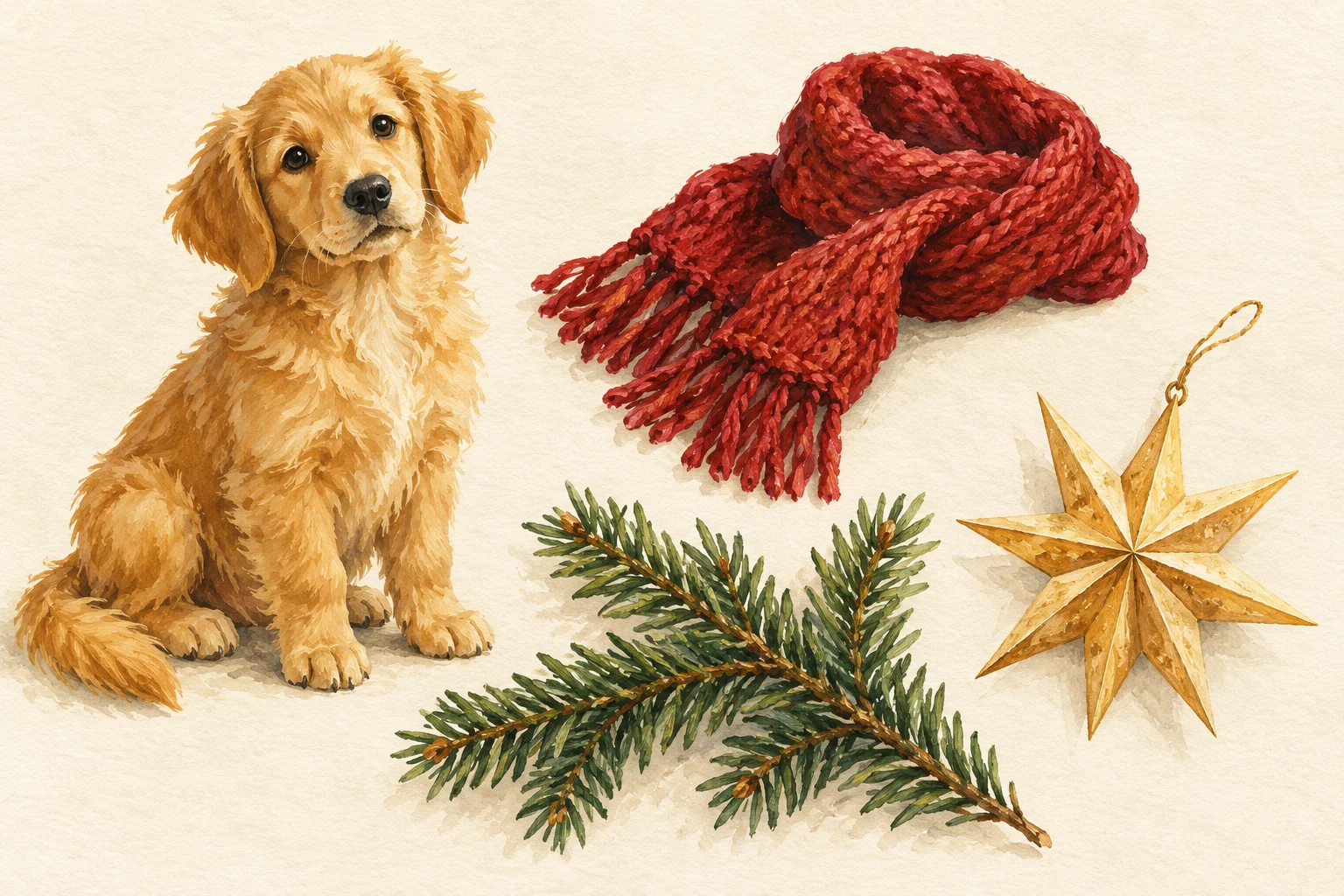
Begin with a pet, a cozy room or a favorite seasonal ritual. Add one setting and a restrained palette, such as forest green with warm amber light. A single clear idea leaves room for a greeting and makes the image easier to understand on a phone.
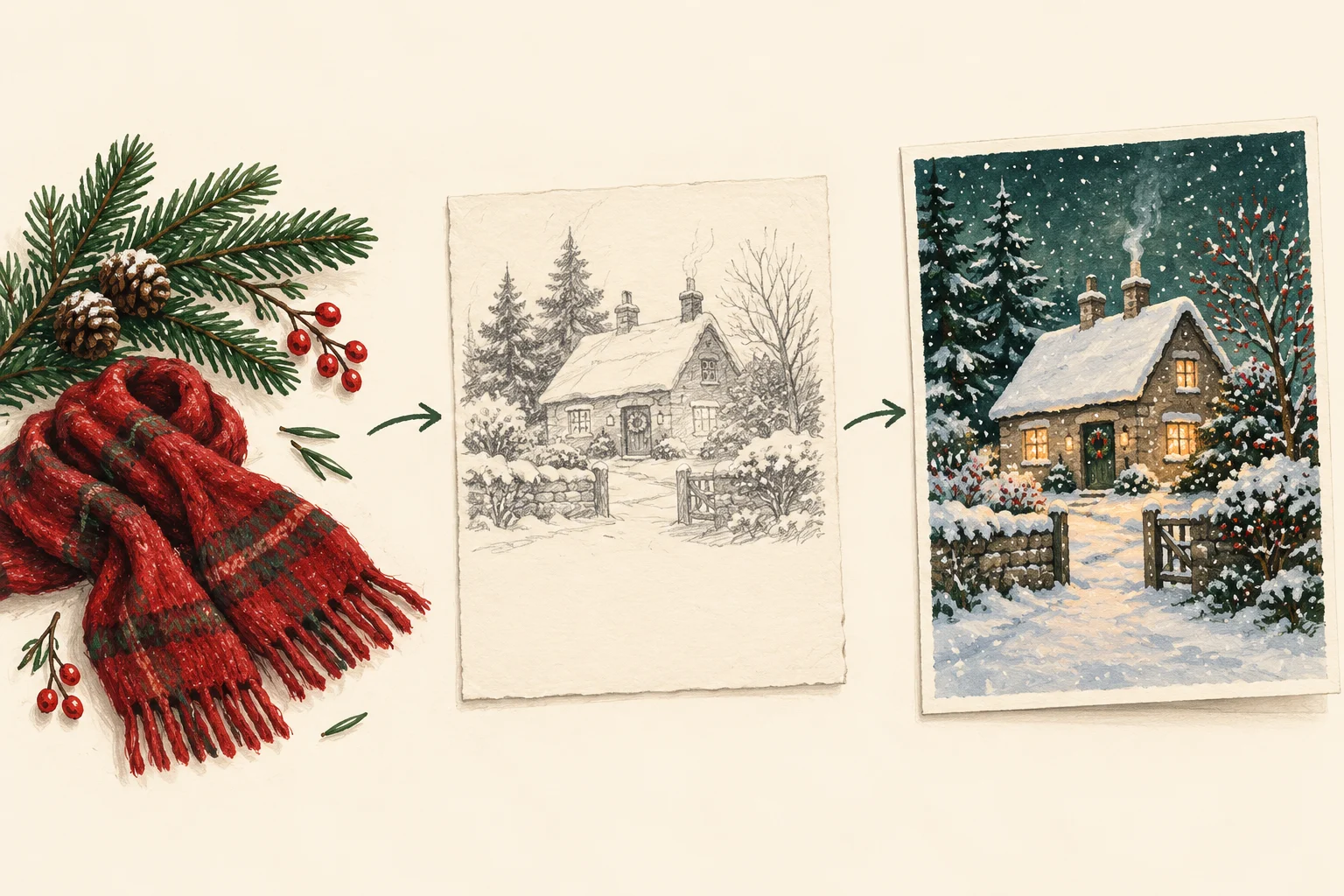
Decide who will receive the card and name one seasonal detail that fits them: a pet in a scarf, a woodland walk or a quiet evening by the window.
Describe the artwork, palette and exact short greeting in Text to Image. Use Image to Image only when you want one uploaded reference to guide the result.
Select an available model and supported image shape. Review the current credits before starting, then watch the task in History.
Check the greeting, any names, the scene and the edges of the composition. Save the finished image and share it through your preferred channel.
Copy this starting idea into the prompt field, then replace the subject, colors and greeting with details that fit your recipient.
Create a flat Christmas card front with an illustrated ginger cat asleep beside a snowy window, a small evergreen plant and warm amber light. Use soft gouache texture and muted red accents. Include only “Merry Christmas, Sam!” in a spacious cream area. No mockup, envelope or extra text.
Keep names and short greetings inside quotation marks. This helps describe your intent, but it does not guarantee perfect lettering. Check the downloaded card before sending it.
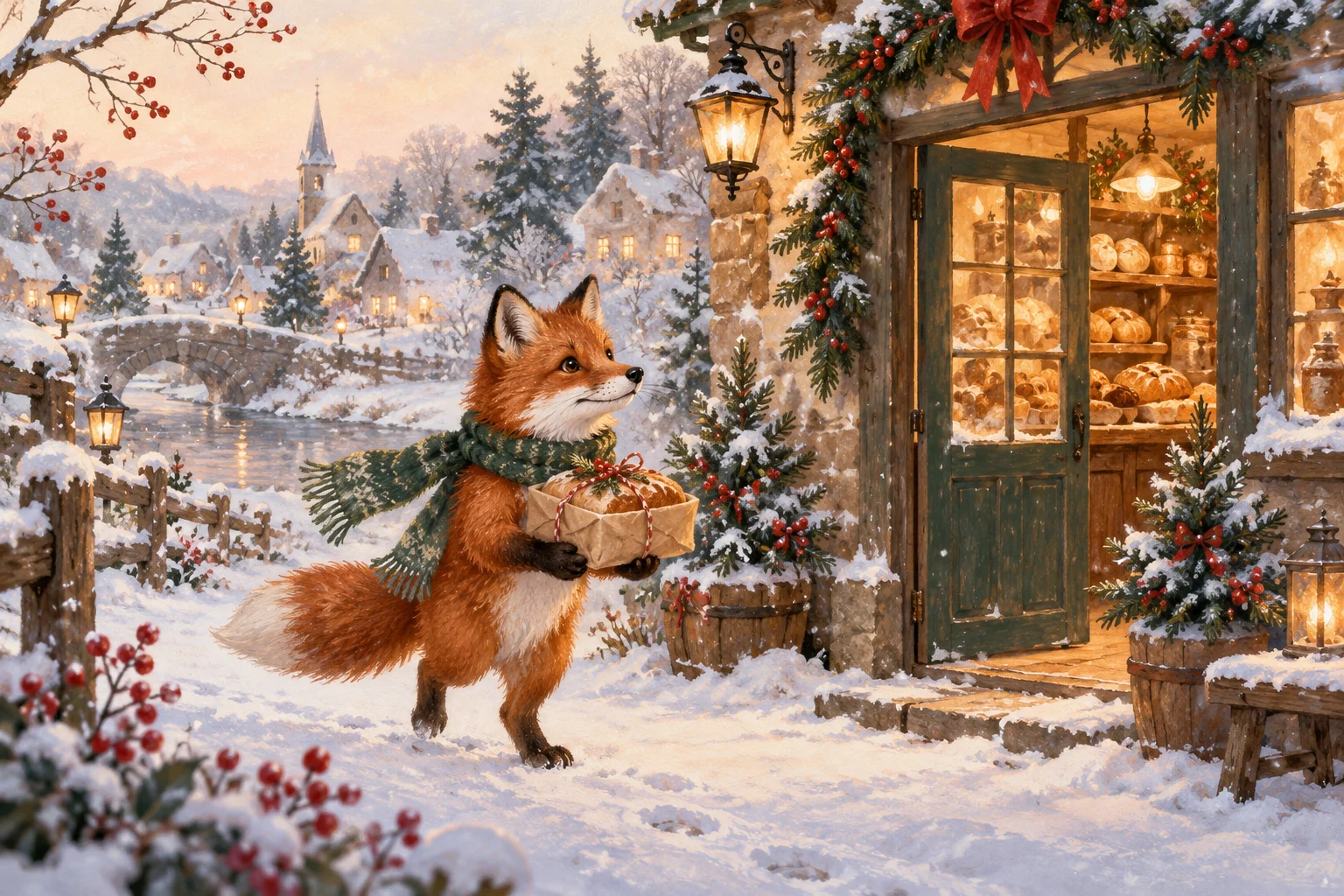
Let a cat, dog or imaginary woodland animal lead the illustration. Specify a scarf, a favorite toy or another small recognizable detail.
Use a cottage, window or table setting to suggest a familiar tradition. Keep bright decorations away from the message area.
Choose snow, botanical shapes and calm colors for a quieter design. Use the greeting that suits your recipient rather than automatically adding extra holiday wording.
Yes. Describe the pet in Text to Image, or switch to Image to Image and add one clear reference. Explain the features you want to keep and the winter setting you want to add; review the result before sharing.
You can use one family photo as a reference if the selected model accepts it. This page focuses on illustrated seasonal concepts; check every face and do not assume exact likeness preservation.
The result is a single image, not a layered template, folded-card layout or print-ready PDF. Before printing, check the downloaded pixel dimensions against the size you need. Text cannot be edited as a separate layer on this page.
Yes. Text to Image uses your written description and needs no reference upload. Image to Image uses one reference image when supported by the selected model. Switching modes changes the required input.
Check the credits available in your account and the selected model’s access conditions. If your balance covers the displayed quote, you can generate without purchasing additional credits.
The generator shows the current credit quote for the selected model and settings. Review it before submitting. Processing time depends on the model and queue; follow the task status in History rather than relying on a fixed time.
Start with a short, specific brief. Check the current model and credit quote, then create a card that fits the person you have in mind.
Start your cardkize.ai · Updated