Name the connection
Choose who the card is for: your mother, grandmother or another person you celebrate. Write one shared memory or interest to guide the artwork.

Make room for something only you would say.
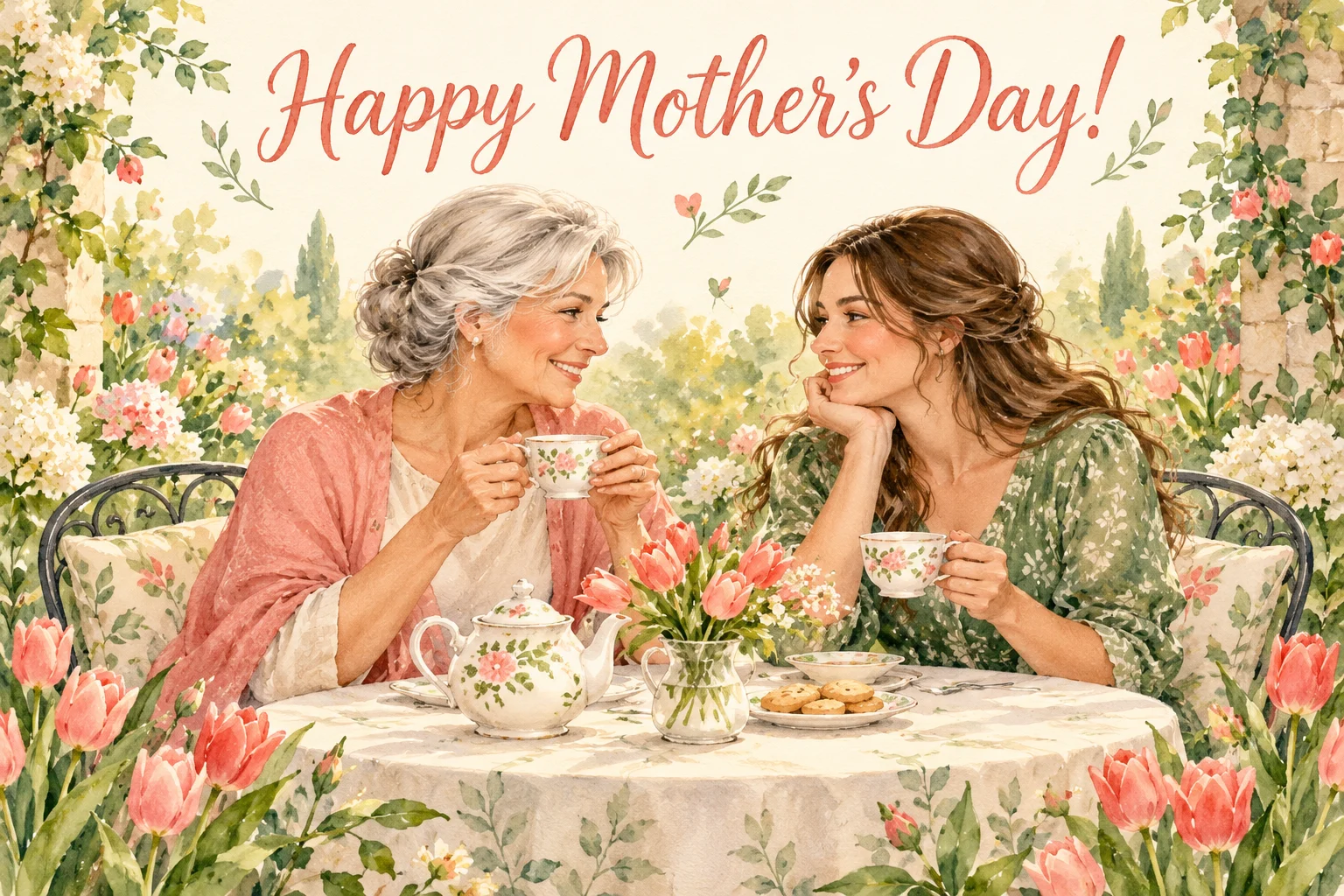
Make a Mother’s Day card that reflects her favorite things and your shared memories. Describe flowers she grows, a place you visited or a quiet ritual you enjoy together, then add a short personal greeting. Start with text alone or one reference image and create a card front to review and download.
Create your card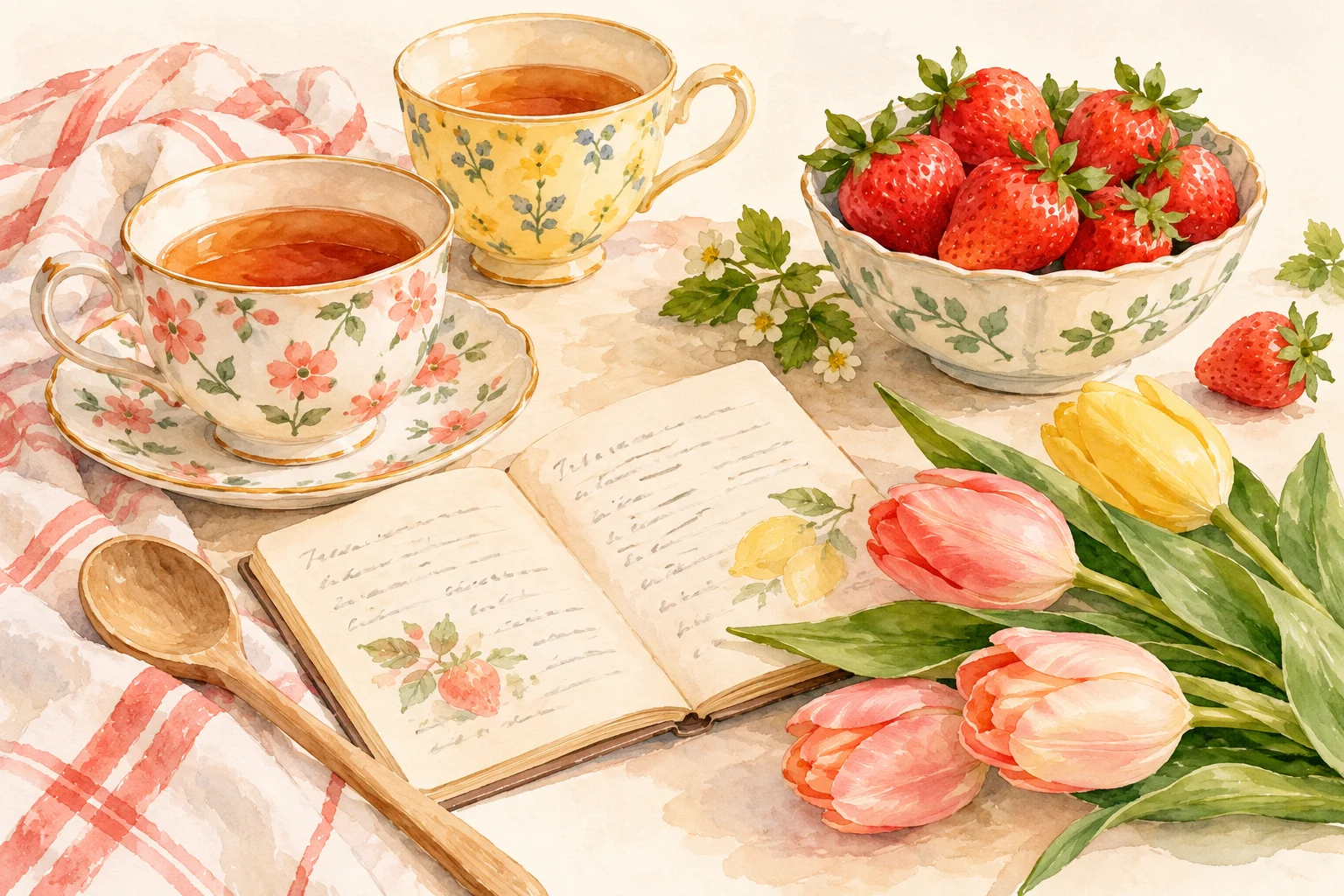
A favorite flower or the cups you use for weekend tea can say more than a crowded bouquet. Pick one memory, then describe its objects, colors and mood. Keep the greeting personal and brief enough to read without zooming into the finished image.
Choose who the card is for: your mother, grandmother or another person you celebrate. Write one shared memory or interest to guide the artwork.
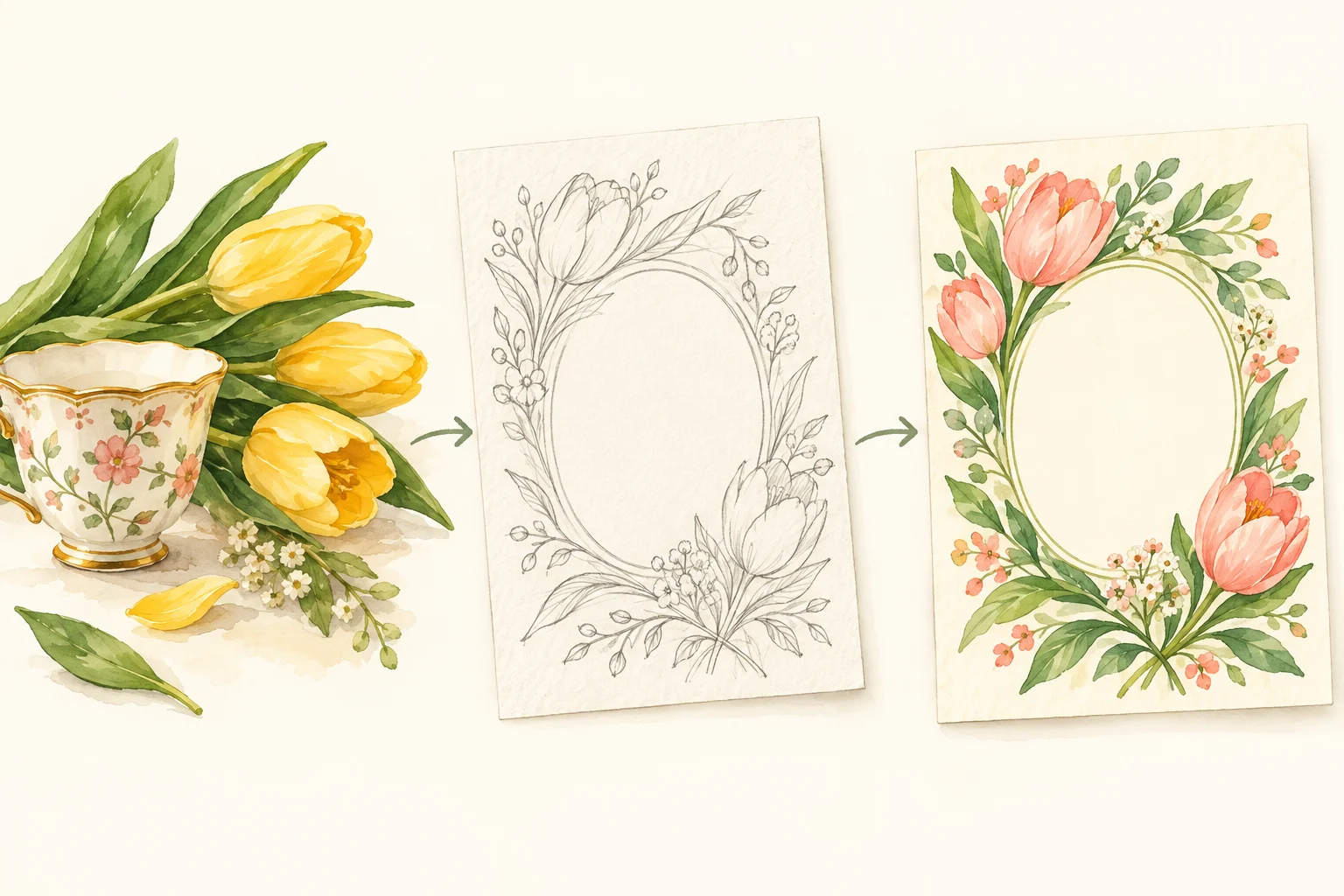
Enter the flowers, objects, setting and short message in Text to Image. For a visual reference, switch to Image to Image and upload one image.
Check the available model, image ratio and current credit quote. Submit only when the brief is ready, then follow the task in History.
Check the spelling and tone of the greeting, then inspect the picture. Download the image once it says what you intended; revise the prompt if it needs another version.
Copy this starting idea into the prompt field, then replace the subject, colors and greeting with details that fit your recipient.
Create a flat Mother’s Day card front for my grandmother. Illustrate two patterned teacups beside a vase of yellow tulips on a sunlit kitchen table, in a gentle watercolor style. Include only “With love, Grandma” in an open ivory area. No envelope, mockup or extra text.
Keep names and short greetings inside quotation marks. This helps describe your intent, but it does not guarantee perfect lettering. Check the downloaded card before sending it.

Use her favorite flower and the colors of her garden. A small watering can or worn pair of gardening gloves can make the scene feel specific.
Build the illustration around a shared ritual such as tea, baking or a walk. Choose the form of address she knows you use.
Describe a gentle scene with a few meaningful objects and a short message. Avoid filling the card with details that compete with the greeting.
Yes. Describe the relationship and request the exact greeting you want. The artwork can reflect her interests or a memory you share; it does not have to use the words “Mother’s Day.”
Yes, when the selected model supports Image to Image. Upload one clear image and say which features or objects should guide the illustration. Review faces and other important details rather than assuming an exact copy.
The result is a single image, not a layered template, folded-card layout or print-ready PDF. Before printing, check the downloaded pixel dimensions against the size you need. Text cannot be edited as a separate layer on this page.
Yes. Text to Image uses your written description and needs no reference upload. Image to Image uses one reference image when supported by the selected model. Switching modes changes the required input.
Check the credits available in your account and the selected model’s access conditions. If your balance covers the displayed quote, you can generate without purchasing additional credits.
The generator shows the current credit quote for the selected model and settings. Review it before submitting. Processing time depends on the model and queue; follow the task status in History rather than relying on a fixed time.
Start with a short, specific brief. Check the current model and credit quote, then create a card that fits the person you have in mind.
Start your cardkize.ai · Updated