AI Video Generator
Explore video creation options and guides.

Loading history…
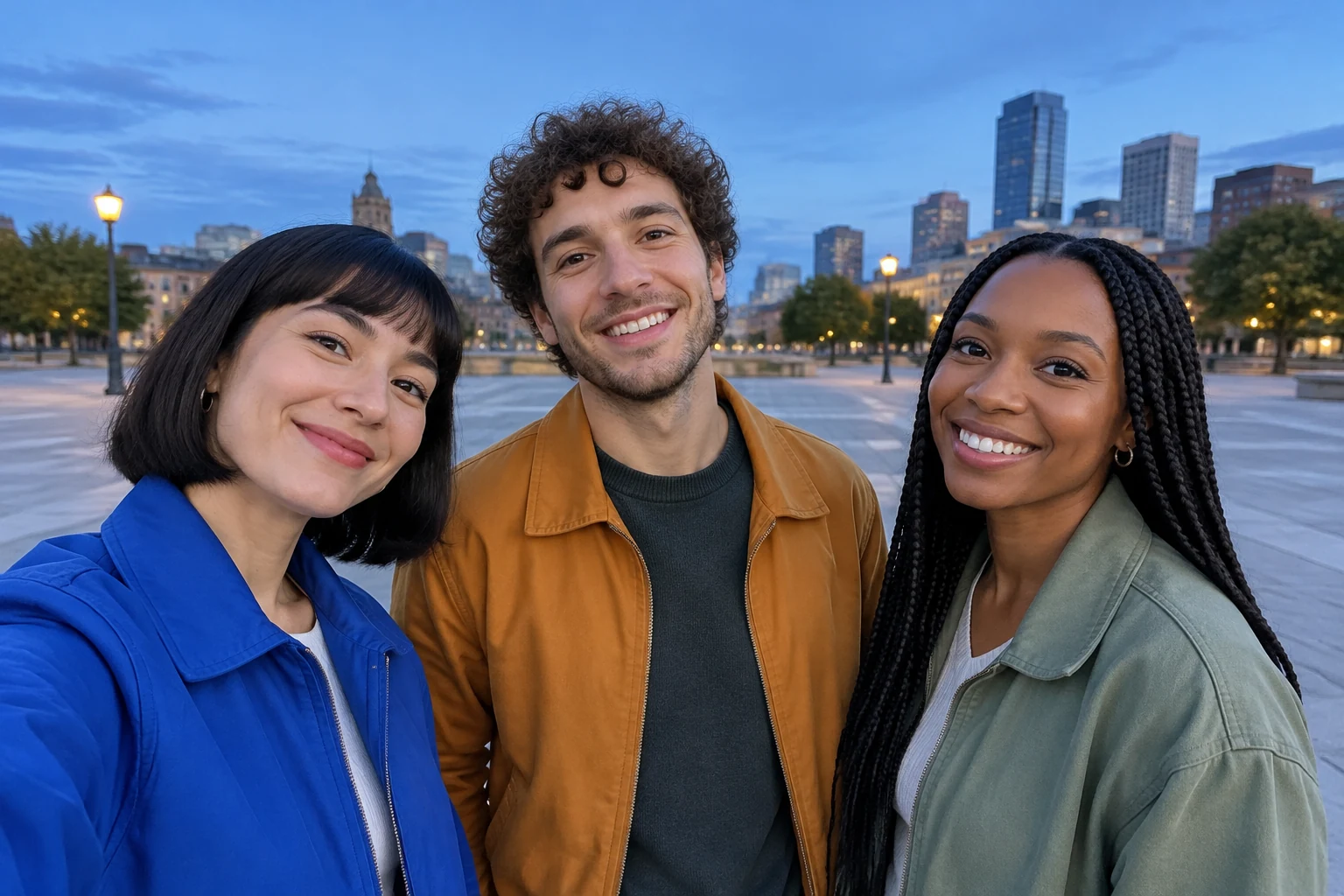
The Gangnam Style AI Video Generator gives you a way to shape a short, upbeat street-selfie scene around three friends. Choose Text to Video to create a fictional group, or Image to Video to animate one prepared photo. Plan a clear opening with all three together, a little expressive movement, a brief emphasis on one friend, and a shared ending. Keep the action simple enough to read at a glance. Camera timing and likeness can vary, so review all three faces. The original song is not bundled; audio options follow the selected parameters.
Select Text to Video to describe a fictional trio, or Image to Video to animate a photo you provide. For Image to Video, choose one group photo with all three people clearly visible. A straightforward image makes it easier to plan the group’s opening and keep their positions readable.
Describe where the friends are and how they fit into the frame. A pedestrian street with soft evening light gives the scene context without crowding the group. Ask for all three to begin together, with enough room around their faces. For an uploaded photo, keep its existing background and the people’s left-center-right arrangement.
Keep the action modest: a smile, a shoulder bounce, or a brief wave can make the scene feel lively. Give one friend a short moment of emphasis, while the other two stay part of the composition. Then ask for a shared ending, such as all three smiling or waving. Simple directions are easier to follow in a short clip.
Choose a short duration and an aspect ratio suited to how you plan to share the video. The live credit quote appears beside Generate; check it for your selected parameters before starting. After submission, follow task progress in History. Review the finished clip, including all three faces, and adjust the prompt or source image if needed.
A street-selfie scene works when the group remains the focus. Begin with all three friends close enough to feel connected, but leave the frame wide enough to show each face. A little movement adds energy without turning the clip into a complicated routine. For the brief emphasis, draw attention to one friend while keeping the companions visible. Finish by bringing the group back together with a shared smile or wave. This gives the video a clear beginning, middle, and ending.

For Image to Video, choose a single photo containing the three people you want to animate. Pick an image where their faces and clothing are visible and their positions are easy to distinguish. The photo’s background remains the setting for the scene, so start with a location you are happy to keep. Text to Video is the alternative when you want to describe a fictional trio and a new setting instead of using a photo.
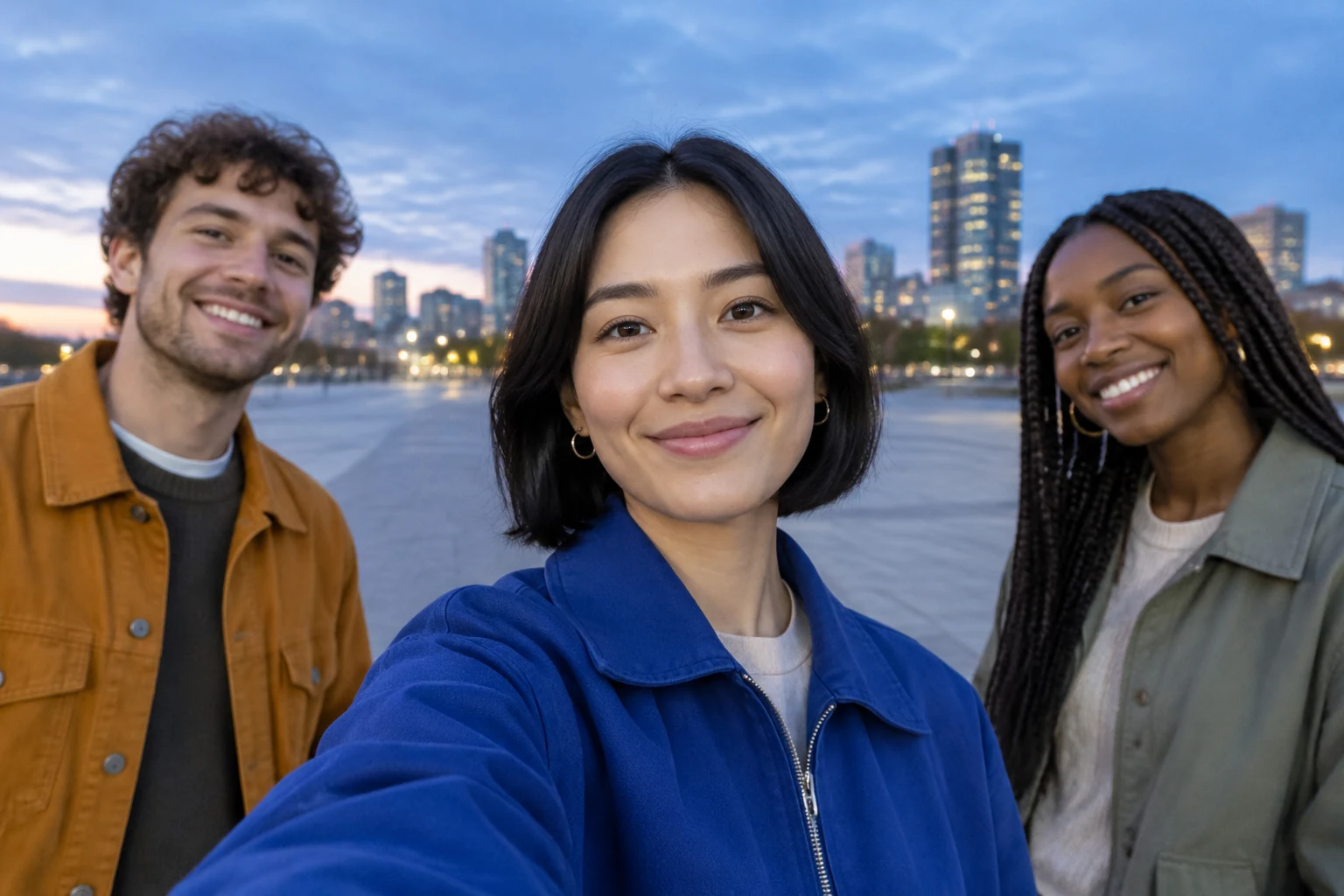
Describe the location, the group arrangement, and a short sequence of actions. Use concrete, small movements rather than several different actions for each person. State who receives a brief emphasis, then clearly return attention to the group for the ending. Camera timing and likeness can vary, so review all three faces in the result. The original song is not bundled, and available audio options follow the parameters you select.
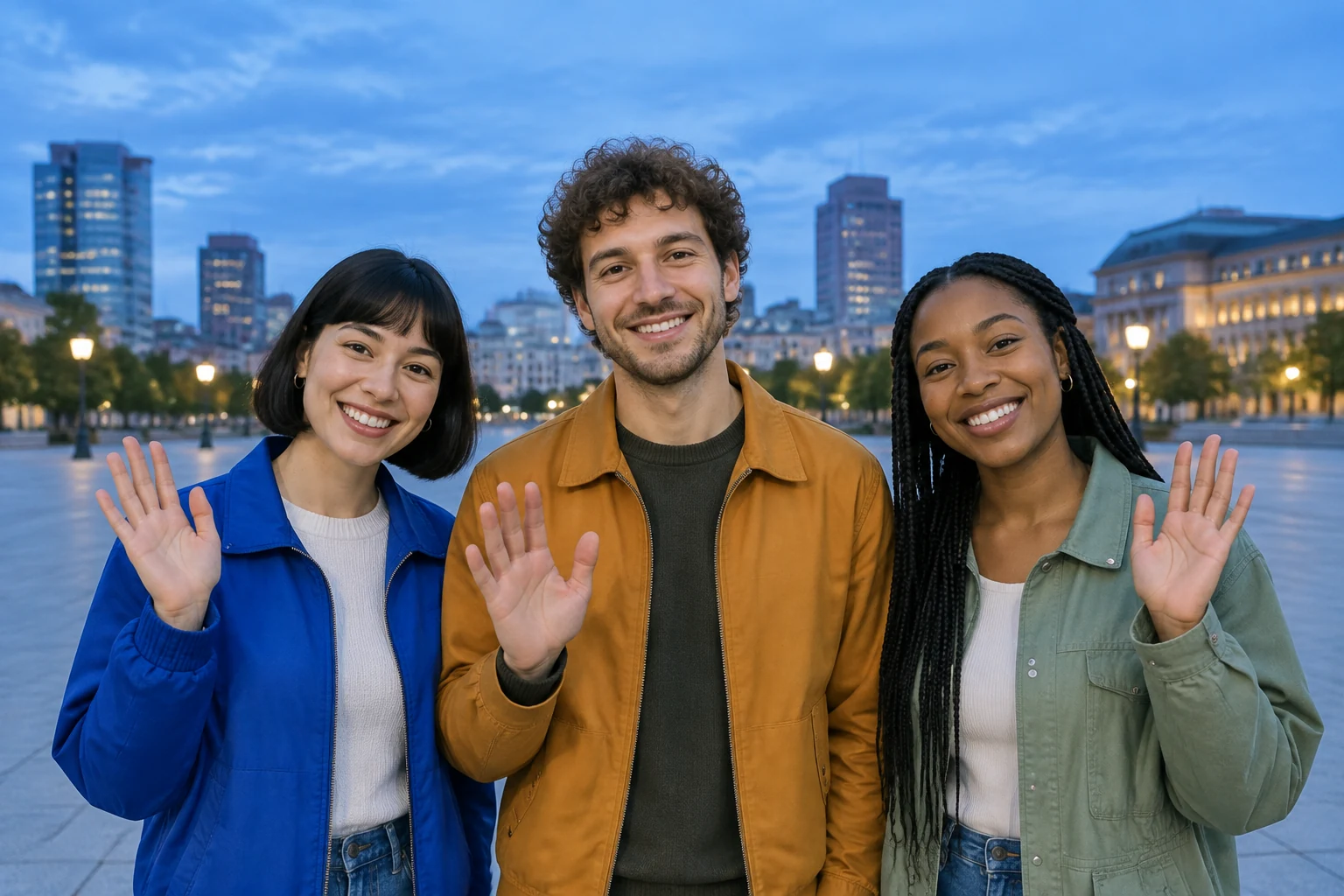
Set the duration and aspect ratio to suit your intended layout. The live credit quote beside Generate shows the cost for the selected parameters, so check it before submitting. Once the task is underway, use History to follow its progress. After generation, check that all three friends remain recognizable and that the opening, emphasis, and ending read as one shared scene.
Yes. Choose Text to Video and describe a fictional trio, their street setting, and the group actions. Choose Image to Video when you want to animate a photo you provide.
Use one photo with exactly three people. Choose a clear group portrait where faces, clothing, and left-center-right positions are easy to see. Image to Video keeps the supplied background.
You can describe the setting, group composition, small expressive movements, a brief emphasis on one friend, and a shared ending. Keep the sequence simple and review the result, since timing can vary.
Likeness can vary. Review all three faces in the finished video, especially when animating a supplied photo.
Check the live credit quote beside Generate before starting. It reflects your selected parameters.
Follow task progress in History. The original song is not bundled; audio options follow the parameters you select.
kize.ai · Updated