
A focused media workflow
AI Profile Picture Generator — Selfie to Avatar
Profile Picture
History
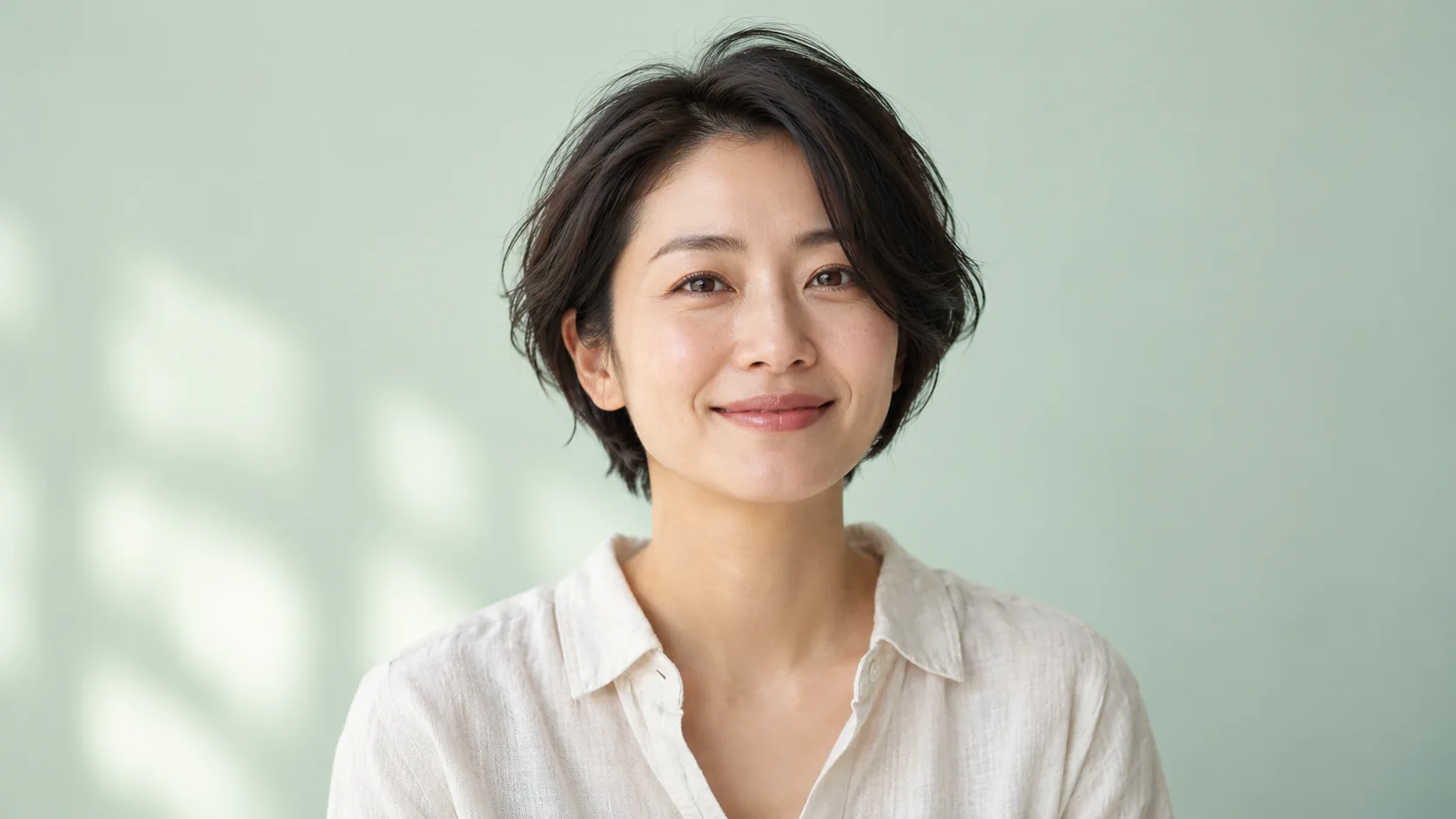
Start with one clear selfie, choose a portrait style and background, then describe the details you want. The AI profile picture generator sends those choices with your instruction. Preview a circular crop before deciding whether the composition suits your profile.
Prepare your sourceHow to start
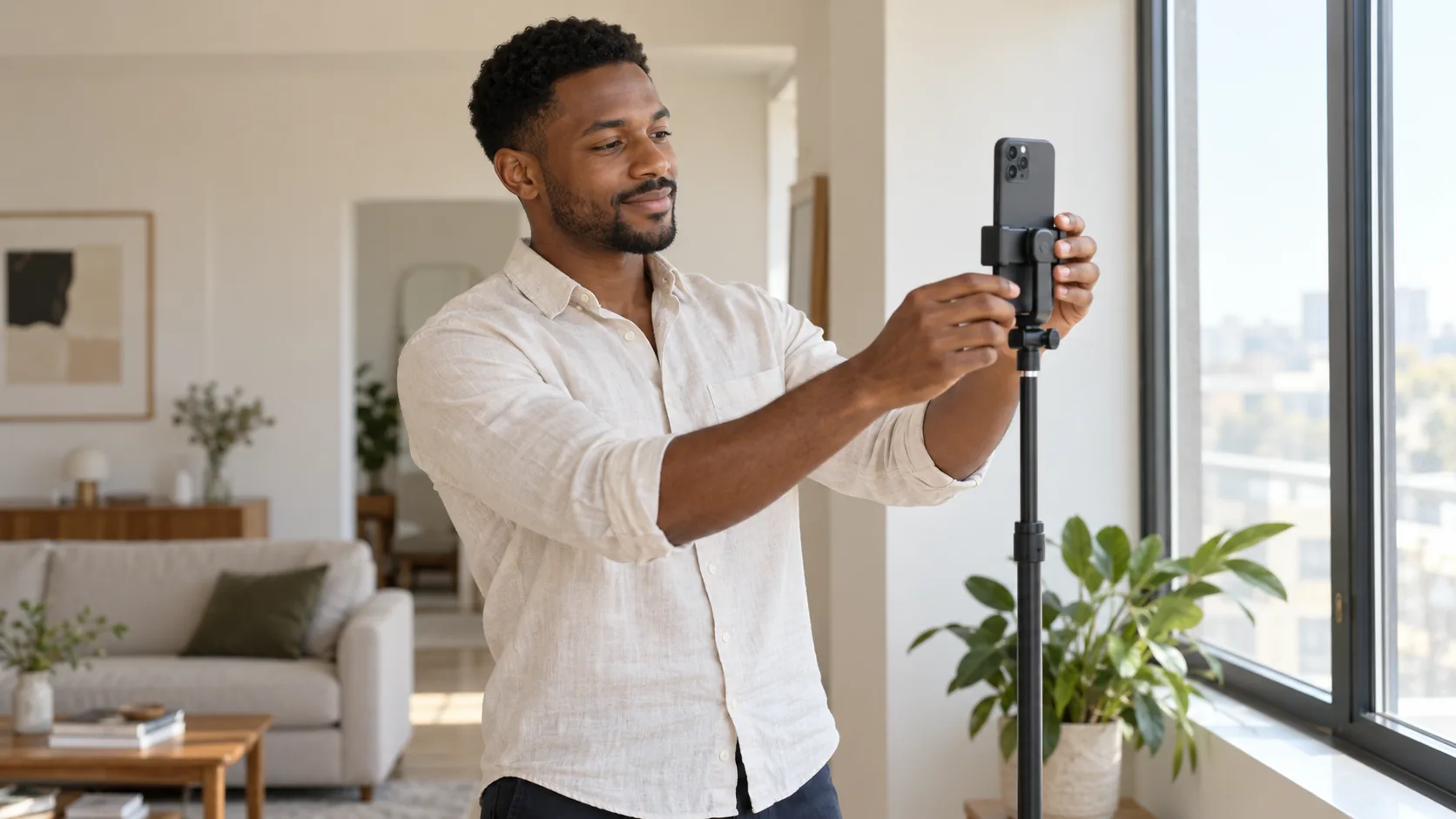
- Upload a well-lit selfie with one clearly visible face. Leave space above the hair and avoid strong filters or sunglasses.
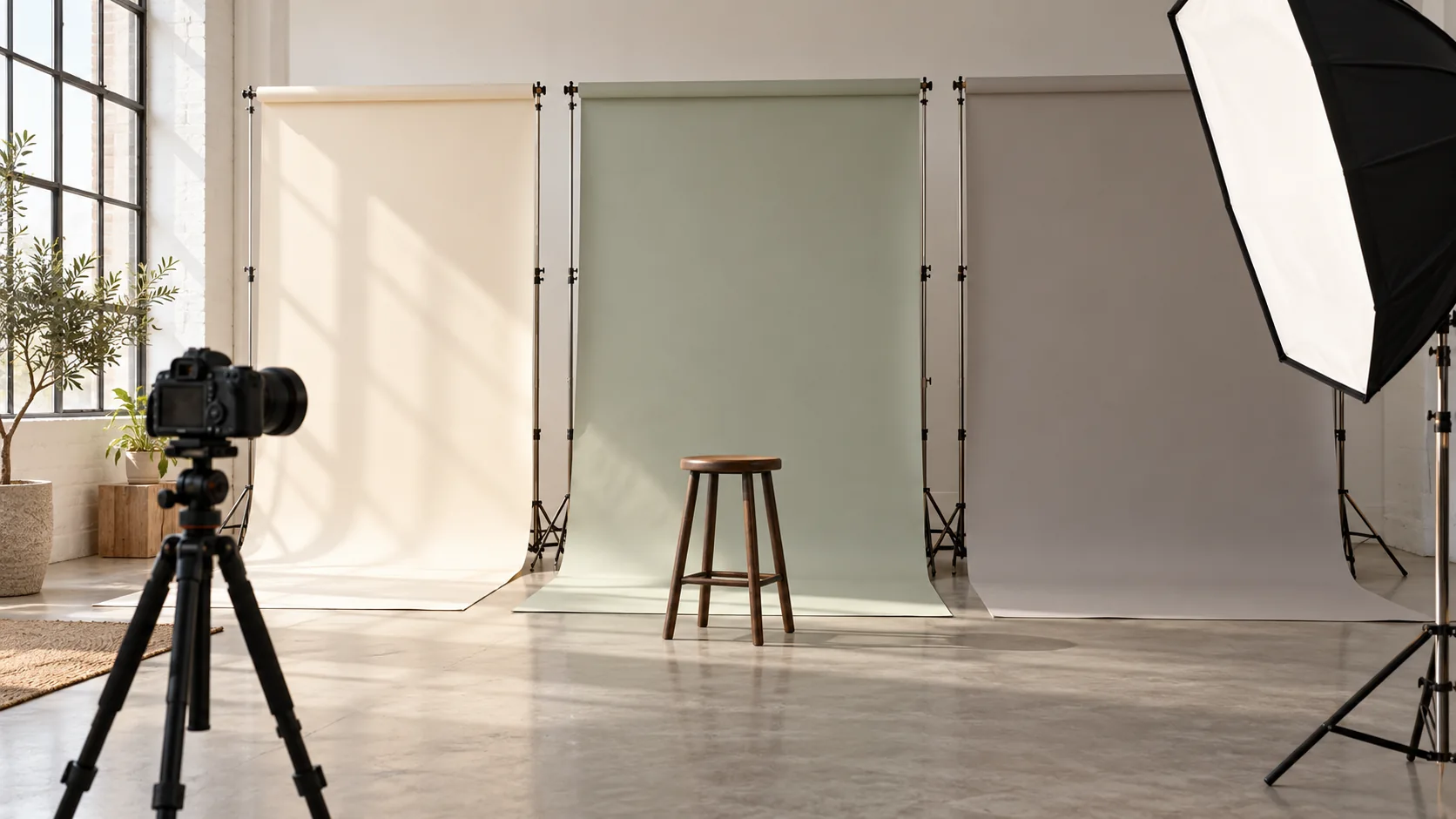
- Choose a natural portrait, professional headshot or illustrated avatar, then select a background. Add a short instruction about lighting or clothing.
- Keep a square output when available. Use the circular source preview to check the selfie framing, then review the credit quote, generate and inspect the portrait in History.
Prepare the source
A recent, sharp photo gives the model useful information about eyes, hair and facial contours. Face the camera at a comfortable angle. A single reference is enough for this workflow; it does not train a personal identity model.
Choose a useful direction
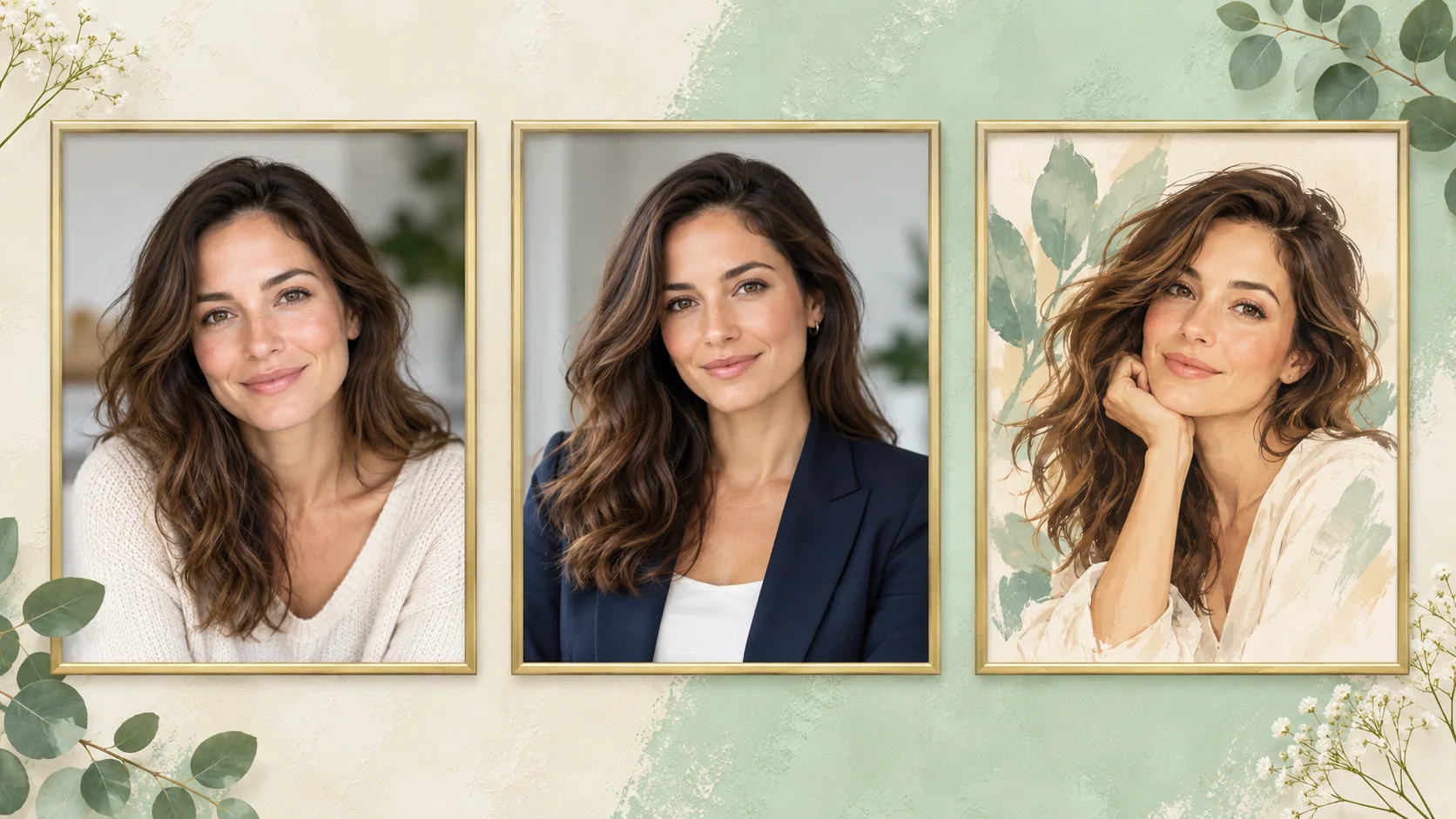
Try a calm headshot for a work profile, a softer outdoor portrait for a community page, or an illustrated avatar for a creative account. Keep the same selfie while changing one style choice so the differences are easier to judge.
Inspect the result
Inspect the eyes, teeth, hairline and ears at full size. Move and zoom the circular preview to check that hair and chin are not cut off. The preview changes the displayed crop only; it does not export a new circular file or guarantee identity preservation.
Availability and credits
Only enabled models with approved contracts and prices can generate. The current workflow shows its availability and credit quote before submission. Changing settings requires a new quote. No fixed free allowance or processing time is promised.
The guide illustrations explain preparation and review. They are not results from a paid quality test. Your own submitted jobs remain available in History.
Questions before you start
Which models can I choose?
GPT Image and Nano Banana Pro are candidates. Generation requires an enabled model with a reviewed editing contract for this site. An unavailable candidate is not a quality ranking.
Does this create a portrait package?
Each submission uses the output options actually shown. This page does not promise a multi-photo package or a trained identity.
Can I use a different background?
Yes. The background selector changes the instruction sent to the model. Describe any extra details in your own instruction.