Animal shape
Choose a familiar body plan first. Siro starts with a fennec: compact body, large ears and a sweeping tail. Keep the limbs readable before adding crystals, armor or decorative effects.

CREATURE DESIGN WORKSHOP
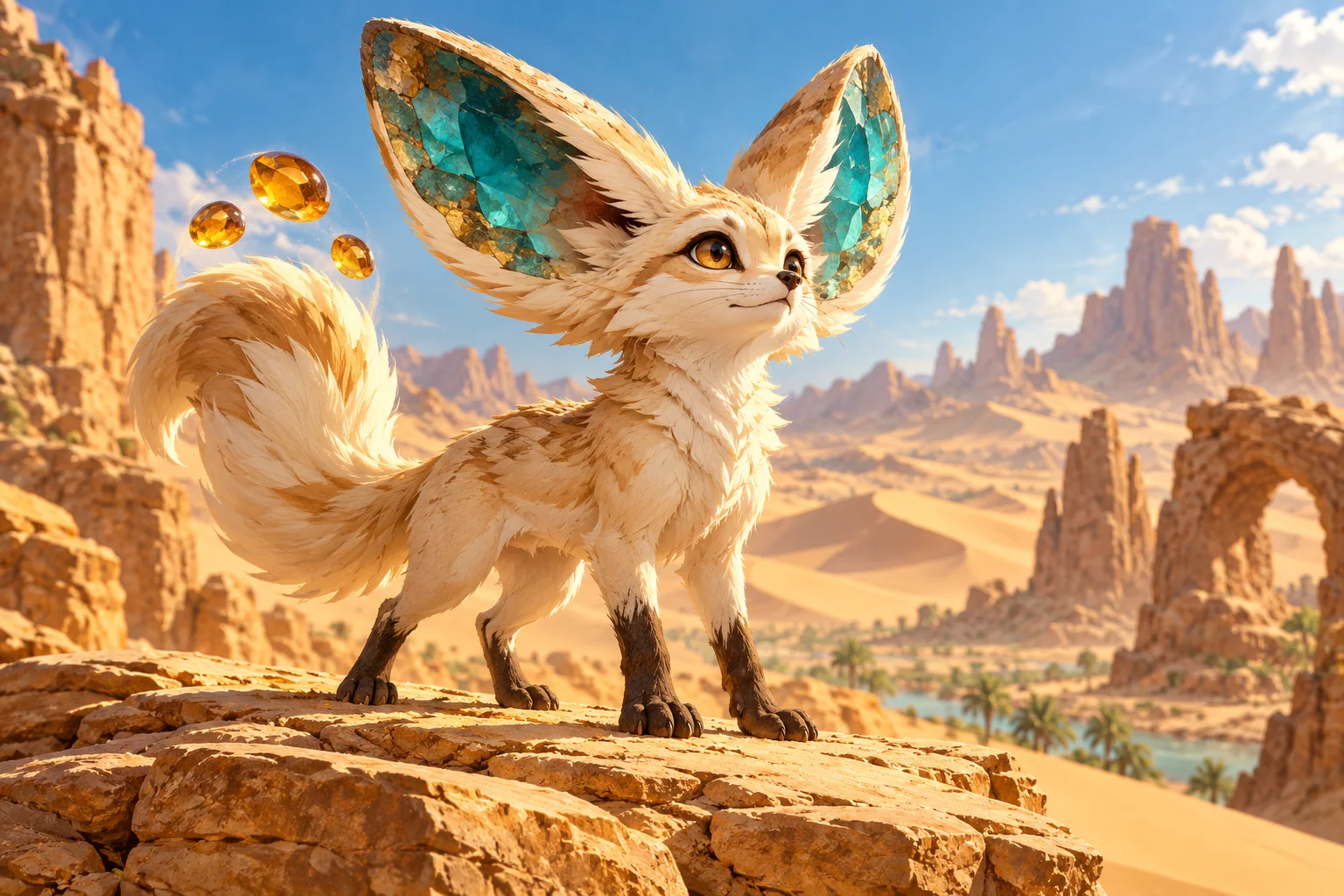
Turn an animal, a habitat and an unusual ability into a creature you can recognize at a glance. Start with a text prompt, or switch to Image to Image to revise one reference. This Kize guide develops Siro, a desert fennec with mineral ears and floating amber stones.
Choose a familiar body plan first. Siro starts with a fennec: compact body, large ears and a sweeping tail. Keep the limbs readable before adding crystals, armor or decorative effects.
Let the environment explain the palette and materials. Cream fur and sandstone belong to the same desert setting; turquoise inner ears provide a controlled accent rather than a competing rainbow.
Give the creature a clear action. Siro bends a low arc of sand into a shield. The floating amber stones repeat that mineral idea without requiring a second unrelated power.
Name the body, the distinguishing feature and the pose before describing the atmosphere. “A mysterious powerful creature” leaves too many choices unresolved. “A small desert fennec with turquoise crystal ears and three amber stones above its tail” gives you concrete details to evaluate.
Design an original small desert fennec creature with cream fur, oversized turquoise crystal ears, dark paws and three floating amber pebbles above its tail. Show its whole body on a sandstone ledge. Friendly, alert expression, clear silhouette, warm illustrated fantasy art, no text or logos.
Treat this prompt as a starting brief. Substitute a marsh bird, a burrowing beetle or a tundra hare, then adapt the anatomy and material choices to that habitat. A different animal should produce a different silhouette, not just a recolored Siro.
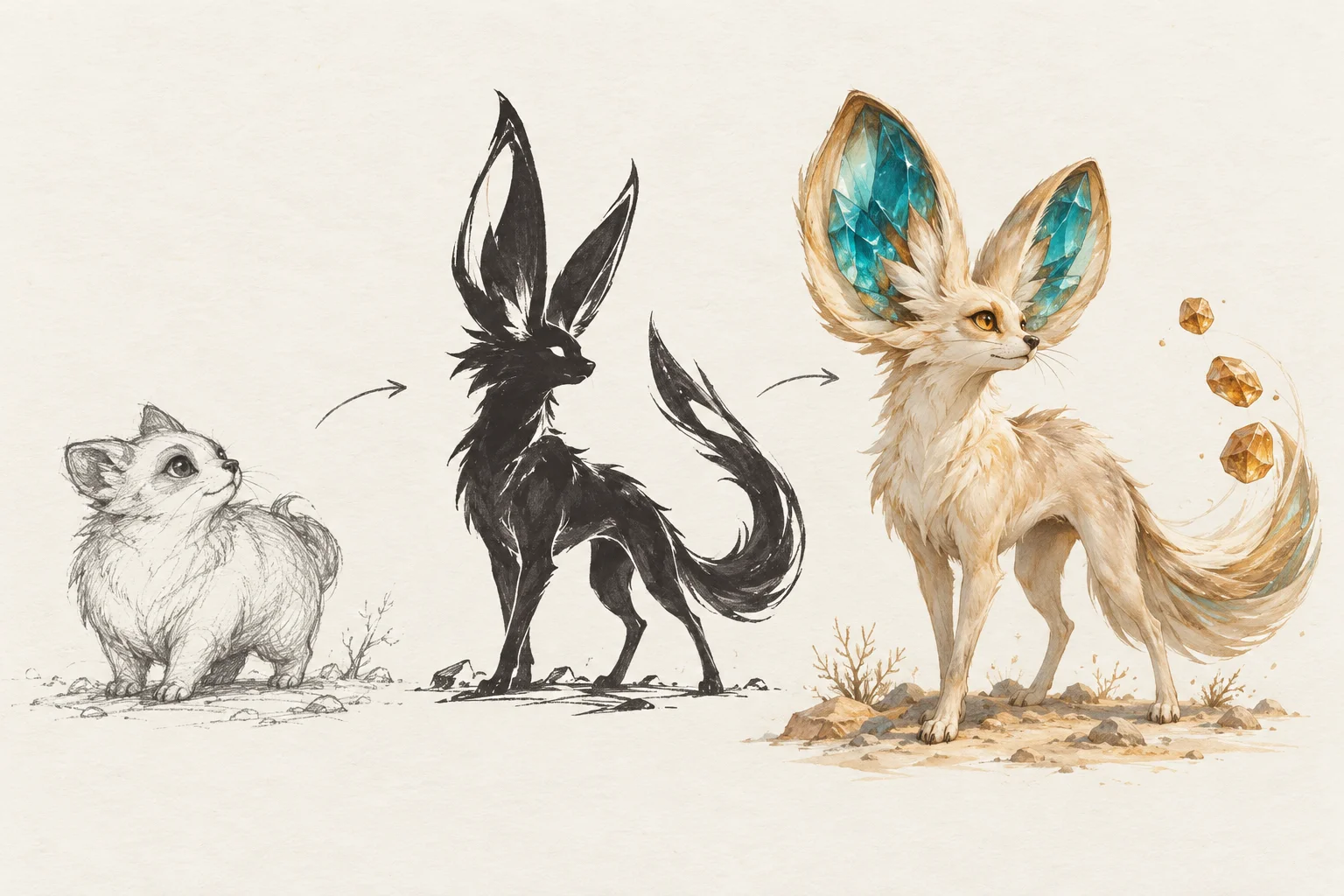
Shrink the image until facial details disappear. Can you still separate the ears from the tail? Are the legs visible against the body? Ask for a quieter background if the character gets lost. A simple outline is easier to carry into a new pose than a design whose identity depends on tiny markings.
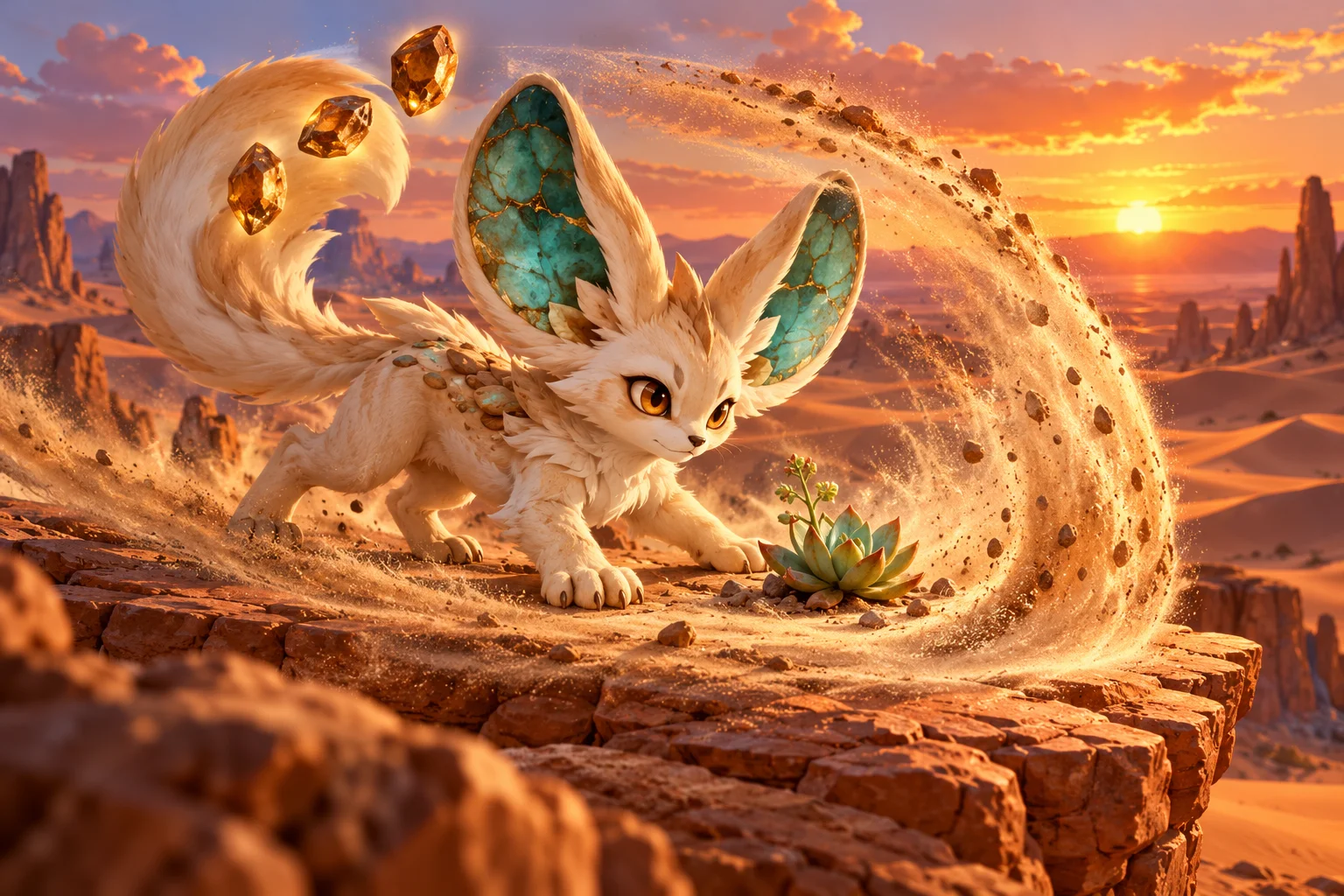
Describe what the action protects, where it starts and how it fits inside the frame. “Raise a crescent of sand beside a small succulent” is easier to review than a request for many explosive powers. Keep the paws visible and leave space between the effect and the creature’s face.
For a calmer version, remove the flying debris and use a resting pose. For an ability study, preserve the same ear shape and colors while changing the stance. Evaluate the expression and anatomy separately from the spectacle.
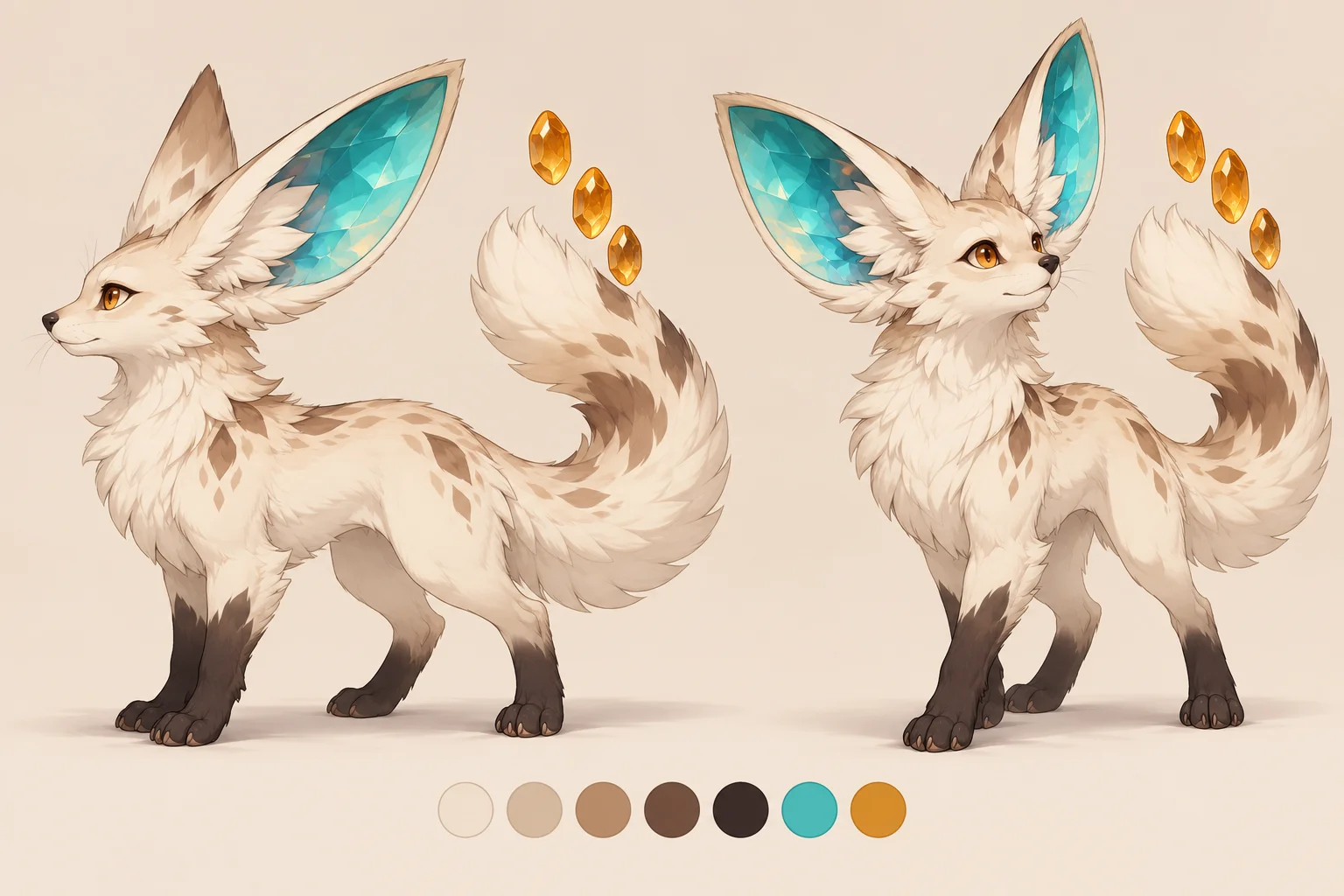
Select Image to Image and upload one clear creature image. State what should stay and what should change. For example: “Keep the ears, markings and palette; turn the body into a low protective stance.” Avoid combining a costume redesign, a new habitat and a different rendering style in one revision.
Use the comparison sheet as a review method. Count the floating stones, check the visible paws and compare the dark markings. If a result drifts, return to the stronger reference and simplify the edit instruction. Download the versions you want to keep before moving on.
Show one full-body pose on a quiet background. Add the name and ability in your own document so the image stays focused on anatomy and expression.
Place the creature beside one habitat clue, such as a dune plant or a sandstone arch. Keep the setting subordinate to the character.
Compare a small set of poses using the same identity checklist. Select the design whose silhouette survives both the calm view and the action view.
Try another setting or illustration direction in Kize’s general image workspace.
Place selected views together when you need a compact board for comparing pose and silhouette.
Open the video workspace to explore a separate motion idea after choosing your still-image design.
It is a Kize image workflow for developing an original collectible-creature concept from a written description or your own reference image. The guide uses a desert fennec idea to show how anatomy, habitat and one memorable ability can form a coherent character. Kize is an independent tool and is not affiliated with Pokémon.
No picture is needed in Text to Image. Describe your creature and generate from the prompt. Choose Image to Image when you want to revise one existing design; upload a clear reference and describe the specific change. Switching back to text mode removes the reference from that request.
Availability depends on your account and the selected model. Check your balance and the current quote beside Generate before submitting. This page does not promise an unlimited free tier. Different model, size and mode choices can change the quote; Pricing explains the available credit plans.
There is no fixed completion time. The selected model, requested image settings and queue affect the wait. Follow the task status in History, then review or download the completed image. Avoid repeatedly submitting the same request while it is still running.
A reference helps guide revisions, but details can drift. Compare the ears, paws, markings and number of floating stones after every result. Ask for one change at a time and keep your strongest reference rather than continually using a version that has already lost important details.
The output is an image. This workflow does not produce a rigged 3D asset, playable game character, official card or verified game statistics. Use the image to communicate a visual direction, and prepare any production assets separately.
kize.ai · Updated