Pick one place
Choose a street, small market or rooftop stage as the focal setting. Keep the perspective simple.

Design a world of bold color groups
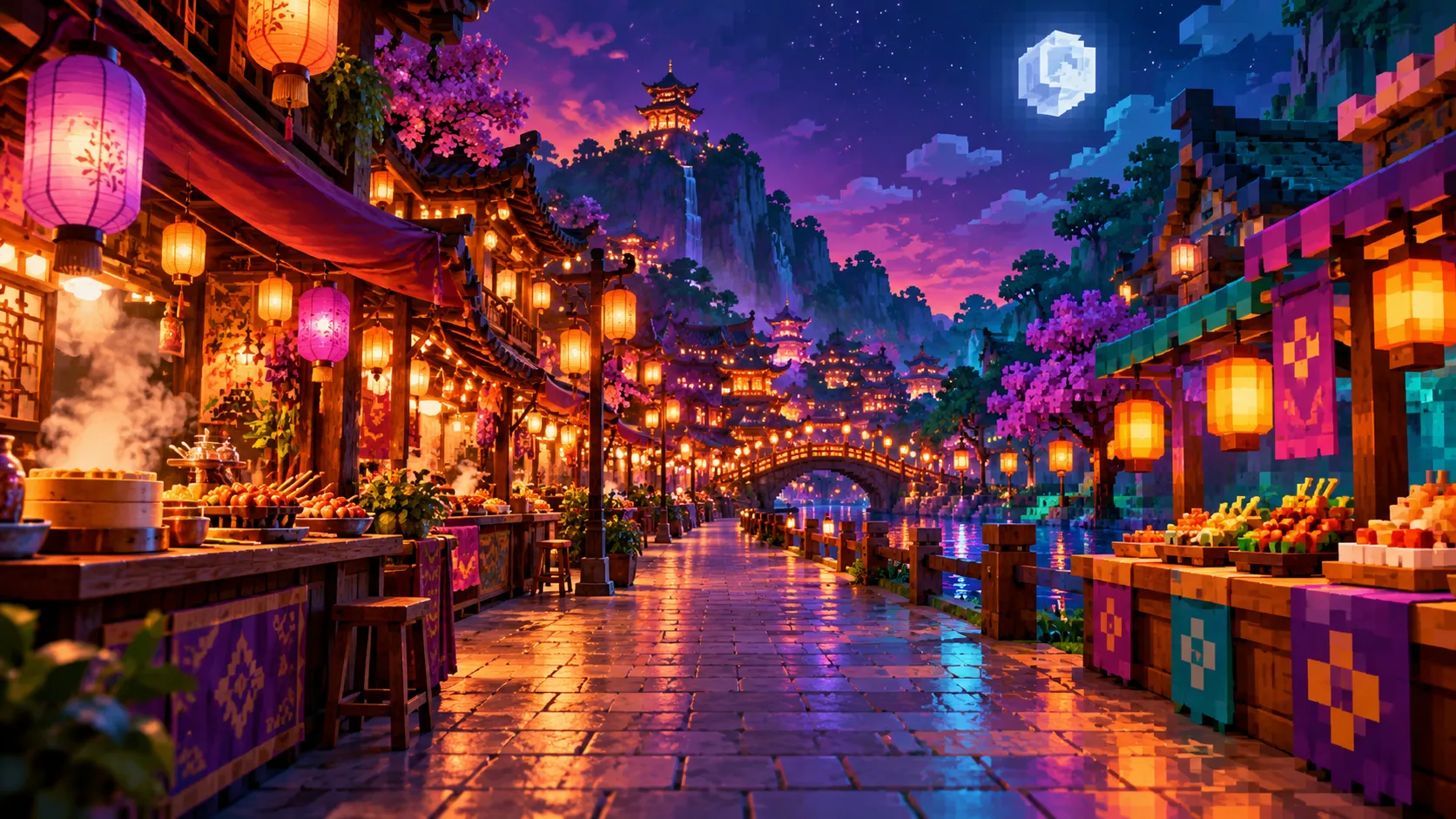
Turn a street reference or a short description into a blocky pixel scene with Kize. A central walkway, lantern colors and simple stall shapes help the image read clearly. Use it as a visual world concept for an original character.
Start creatingChoose a street, small market or rooftop stage as the focal setting. Keep the perspective simple.
Use violet for sky, amber for lanterns and teal for awnings before adding smaller decorations.
Check that the path remains visible and the stalls do not fill every corner. Simplify if the scene looks crowded.
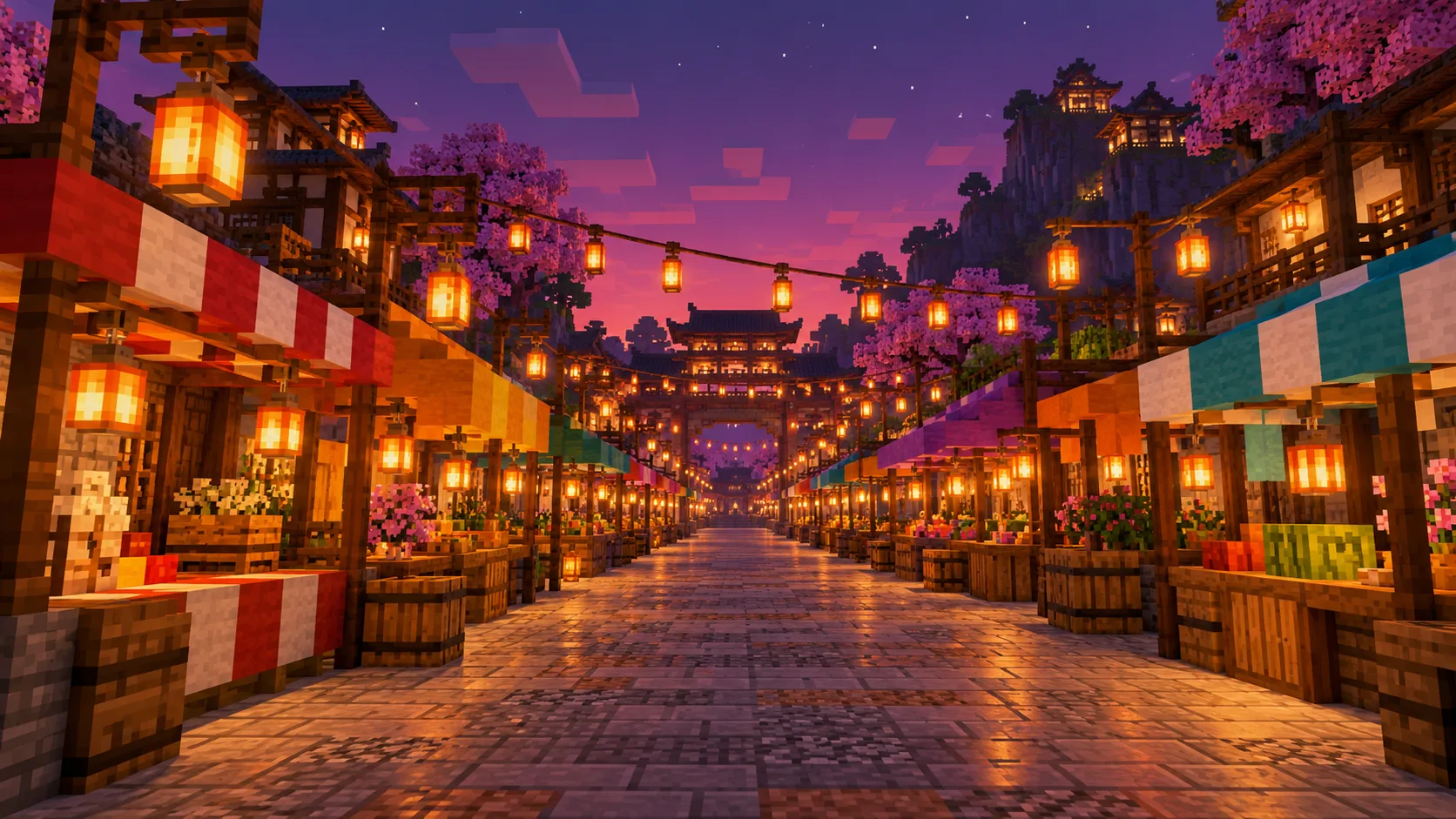
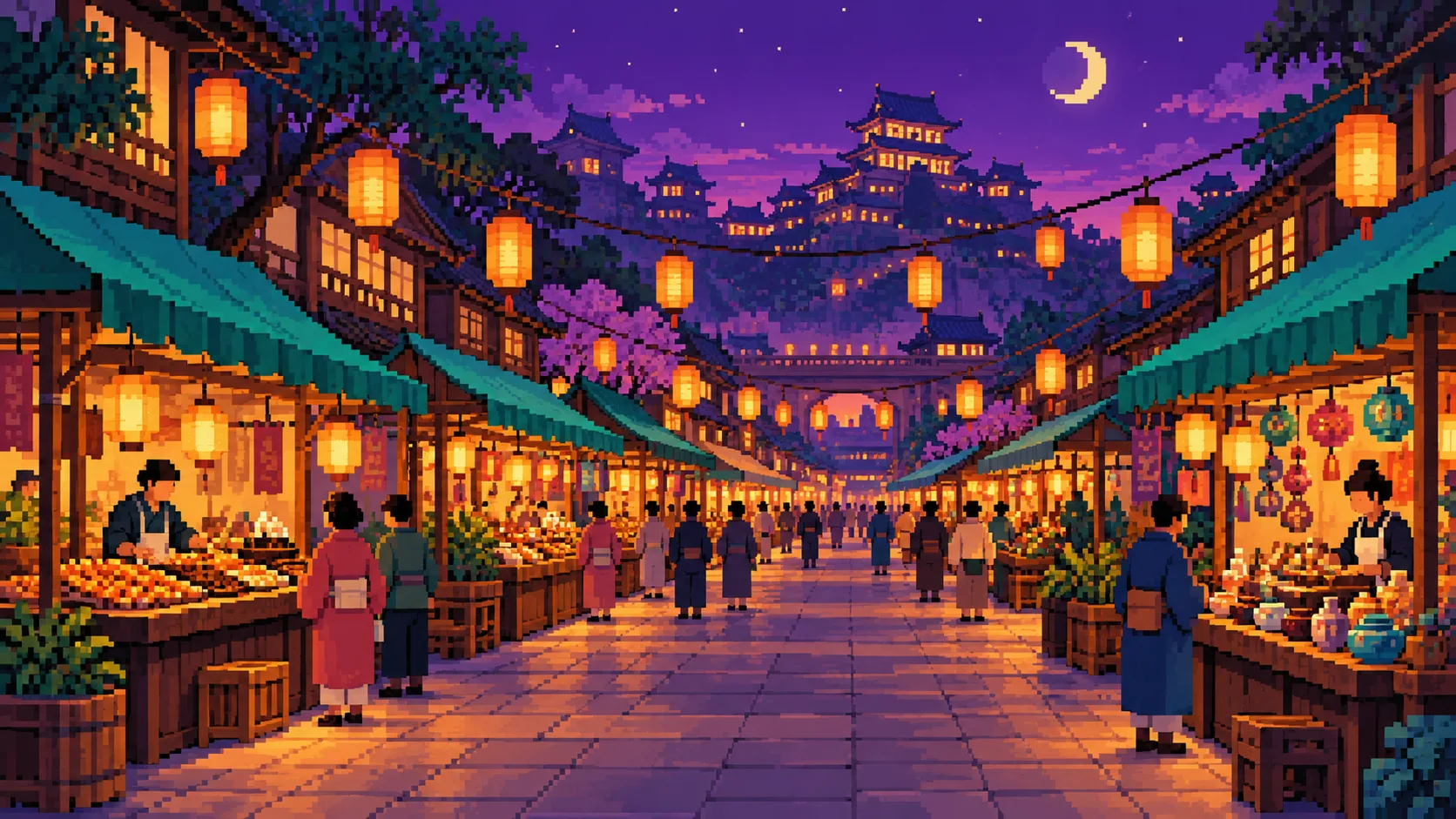

Match a violet-hoodie character with lantern colors and an open place to stand.
Use the street perspective as a starting point for a scene sequence.
Try wide and square crops to see where the central path remains strongest.
Yes. Text to Image uses your description. Image to Image uses one uploaded scene as composition guidance.
No. This page makes a picture concept and does not export a world file, block list or construction plan.
Ask for one main path, fewer small props and a limited palette before adding visual detail.
Check the live quote for the selected model and your account balance before submitting a job.
Model choice and queue conditions affect the wait. Watch the task status in History instead of expecting a fixed time.
kize.ai · Updated