A creative pitch
Use the clip as an early visual direction for a character-focused project.

KIZE MOTION GUIDE
Loading history…
Turn a Dime Dime Baby AI idea into a focused visual brief: one person dances with a sweet bun, takes a bite, pauses toward the camera and turns away. Upload the character photo and add a short setting note. The demonstration explains the concept; generation uses the image and written action rather than copying that video.
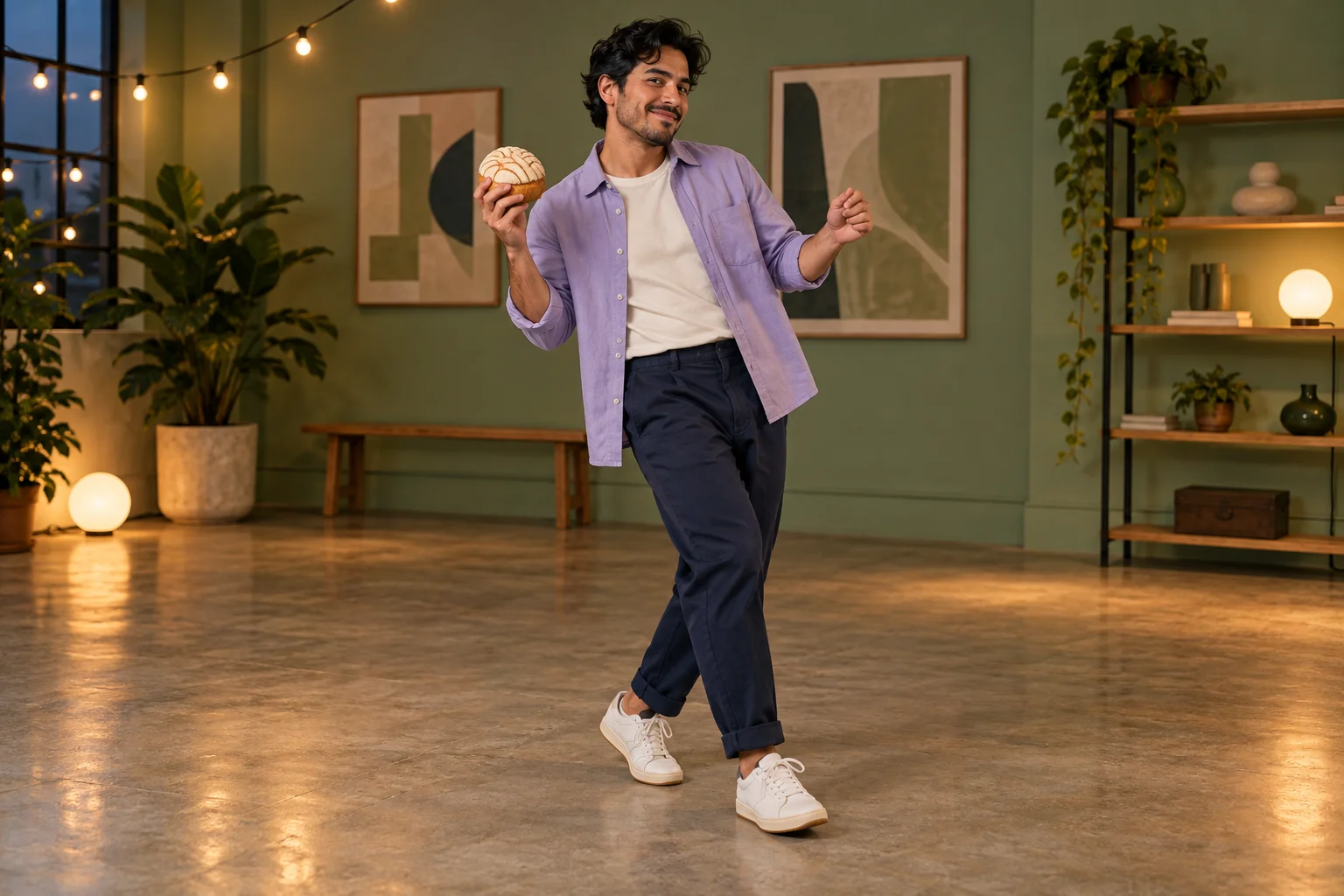
Decide whether the scene should feel playful, awkward or quietly self-aware. That choice gives the performance a purpose. A clear intent is more useful than a list of unrelated visual effects, especially when the main event is a small change in expression.
The studio concept here pairs a lavender overshirt with sage-green walls. It is restrained enough for the face and bun to remain the focus. Use the scene as a brief you can evaluate: does the dance establish a mood, and does the camera look change it in a way a viewer can understand?
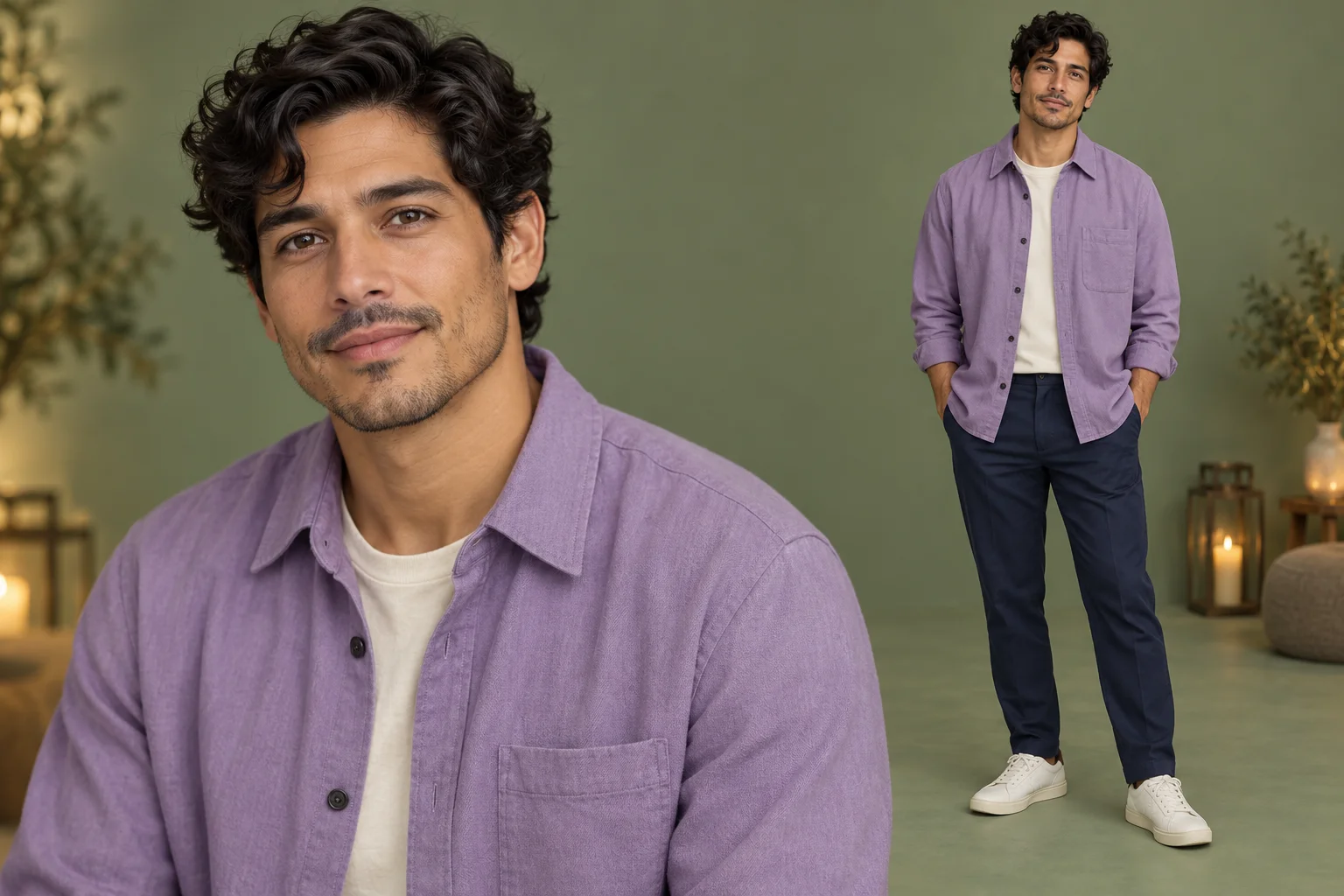
Your photo should answer who appears. Choose one person in clear light with enough visible clothing to communicate their appearance. A simple stance is fine; the photo does not need to show the final dance, the bread or the studio setting.
The written instruction answers what happens. Keeping those roles separate makes it easier to improve a request. If identity drifts, reconsider the photo. If the action feels crowded, simplify the scene note. Avoid a collage of different people or several costume ideas inside the single required image slot.
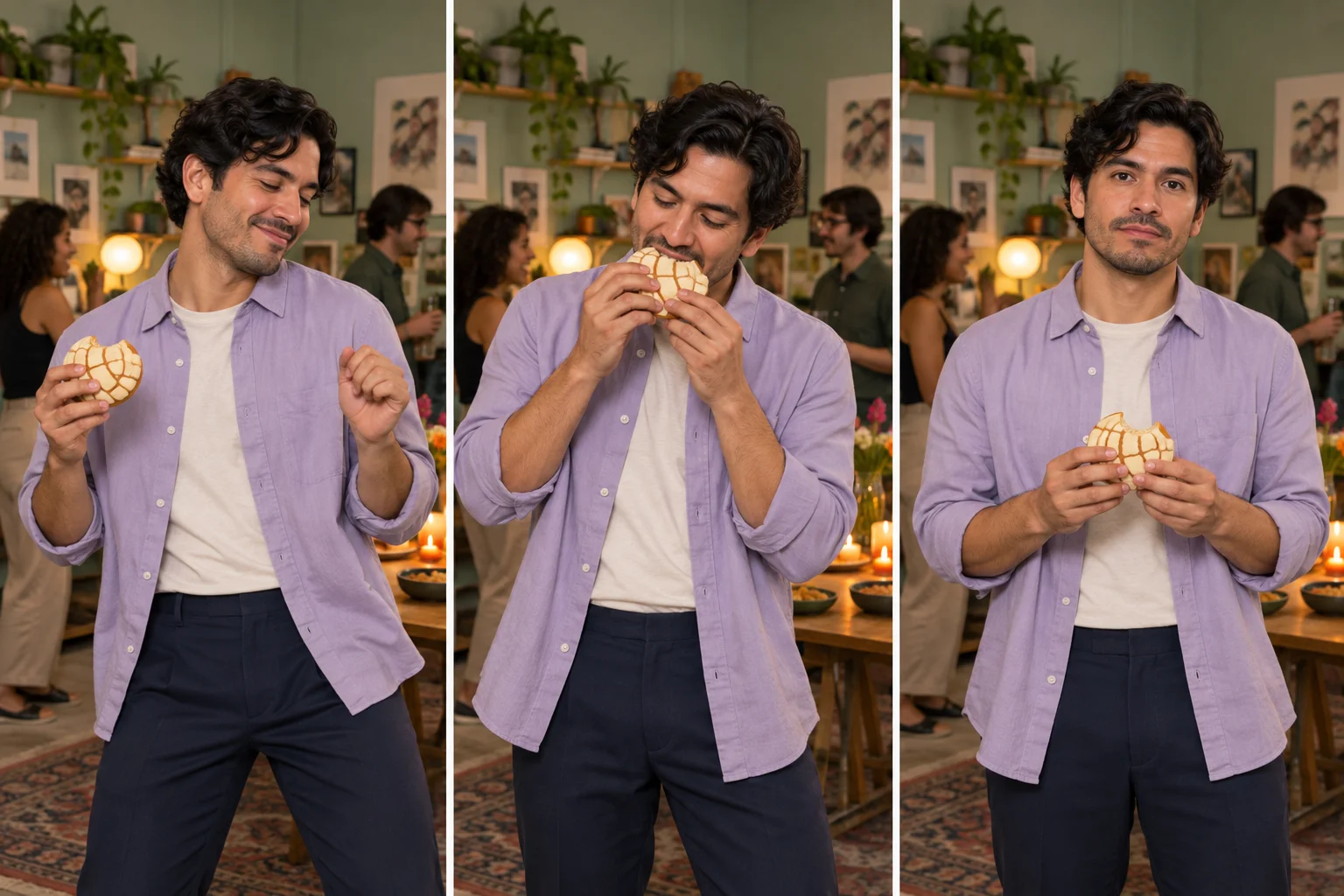
A usable addition might be: “Sage studio walls, lavender overshirt, understated humor and a steady full-body view.” It describes a coherent treatment without rewriting the entire action. One room and one visual emphasis give you a clearer basis for comparing takes.
The demonstration is not supplied to the model as a motion reference. Its exact choreography and camera timing are therefore not locked. Ask for readable gestures instead of a frame-perfect imitation. Keep the bite small, the pause distinct and the turn uncomplicated so the resulting performance is easier to inspect.
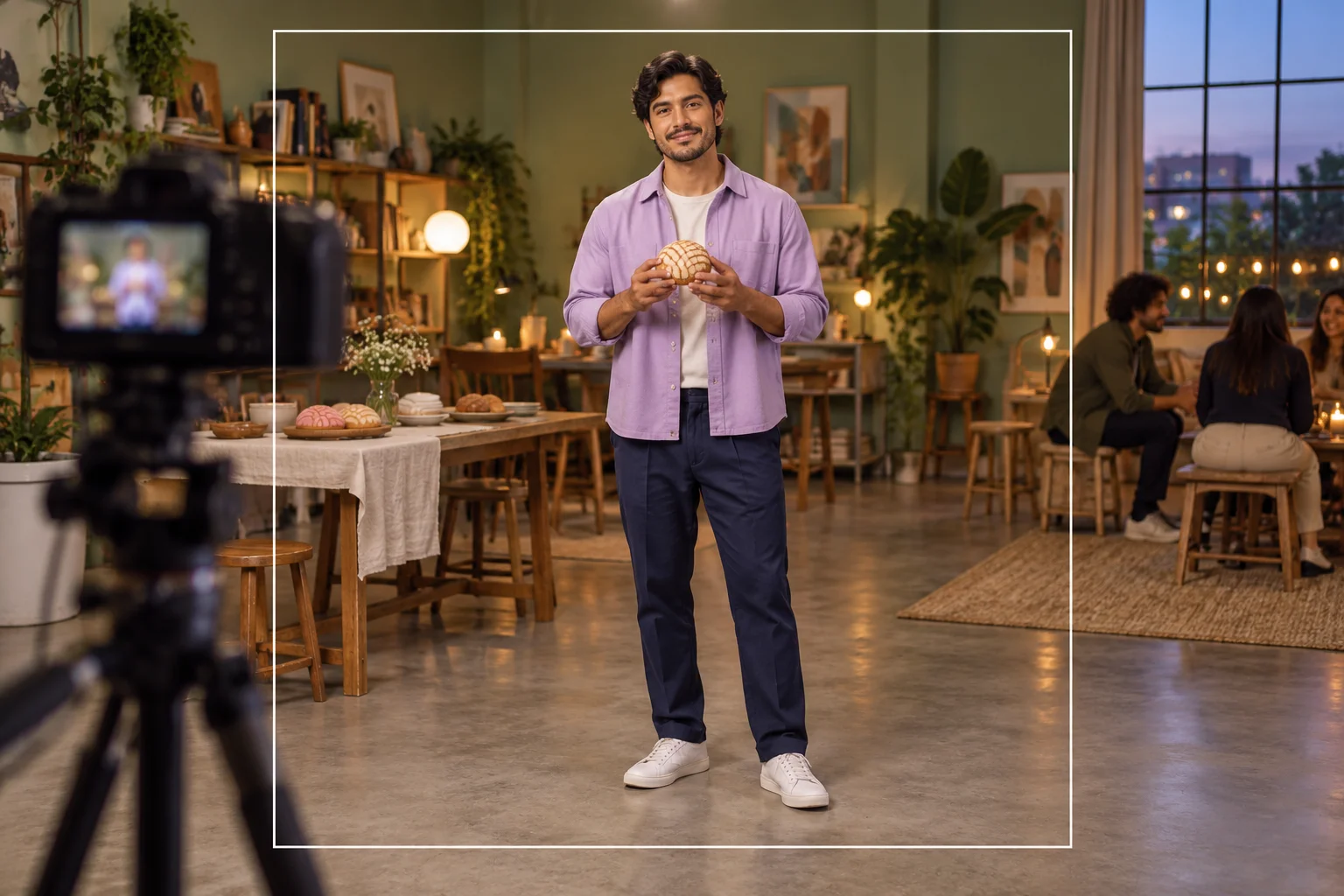
Watch the clip once for the story and once for continuity. On the story pass, decide whether the camera look creates the intended mood. On the continuity pass, inspect the face, fingers, bun, clothing and feet as the person moves and changes direction.
When a take misses the brief, change the most relevant input rather than adding several new instructions. A simpler room may help a busy image; a clearer portrait may help an unstable face. Download the useful take from History, then handle captions, soundtrack and placement in a longer edit separately.
Use the clip as an early visual direction for a character-focused project.
Compare restrained and more playful atmosphere notes while retaining the same person.
Choose a readable reaction moment for a larger sequence after reviewing the actual timing.
Explore the person or wardrobe as an image before developing motion.
Open the general workspace when the next scene needs another action.
Arrange stills separately while keeping this page’s person upload clear and singular.
It uses one required person photo and an optional scene note. A written action plan is supplied by the page. There is no second character or custom-video slot.
It helps explain the dance, bread gesture and camera pause. The model receives the image and text, so the demo is not a promise of identical choreography or timing.
No. It belongs to the effect name. The example brief uses an adult party character, and a baby photo is not required.
The current model catalog requires purchase access as well as sufficient credits. Check the live quote before generating; this guide does not promise a free trial.
No. Fifteen seconds is the requested video duration. Processing depends on the model and queue, and History shows progress.
The form does not upload or select a particular recording, and it does not synchronize the action to your track. Add any soundtrack you can use in a separate editing step.
kize.ai · Updated